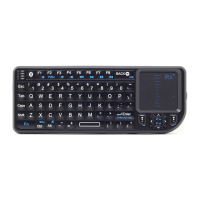
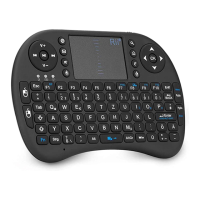
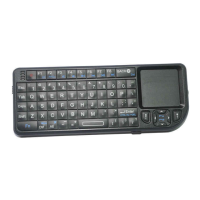
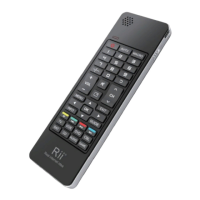
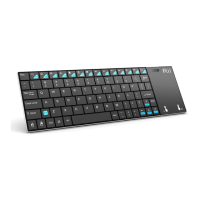
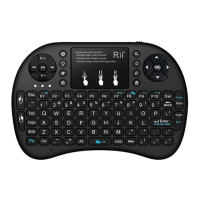
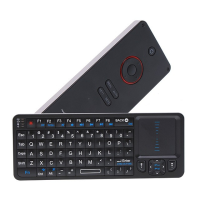
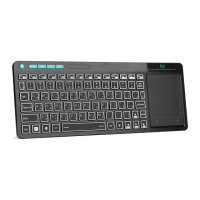
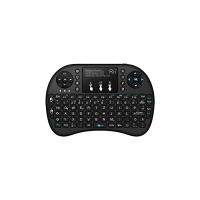
Bluetooth Mini Keyboard with Touchpad
Bluetooth USB Dongle(Optional)
2、Hardware Setup
Please Note: The battery may be empty when you
first unbox the product.Make sure to charge the
device 20-30min before attempting to set it up
Paring Mode
1. Turn ON the power swith,the green LED will
illuminate for 2 seconds.
2. Click on the “Bluetooth
Pair/Connect”button.The green LED will
blink intermittently.
3. The Keyboard is now in paring mode and is
ready to be paired with your device.
Recharging
Connect the mini Bluetooth keyboard to your
computer by using the included USB charging
cable.When connected,the Red LED will
illuminate and get dimmer as the battery charge
level nears capacity.
3、Software Setup
Microsoft Windows Mobile OS
Setup:
1. Connect your mobile device to your
computer using the USB port.
2. On your PC,insert the Driver CD and access
the drive by clicking on”My Computer”


 To Next Page