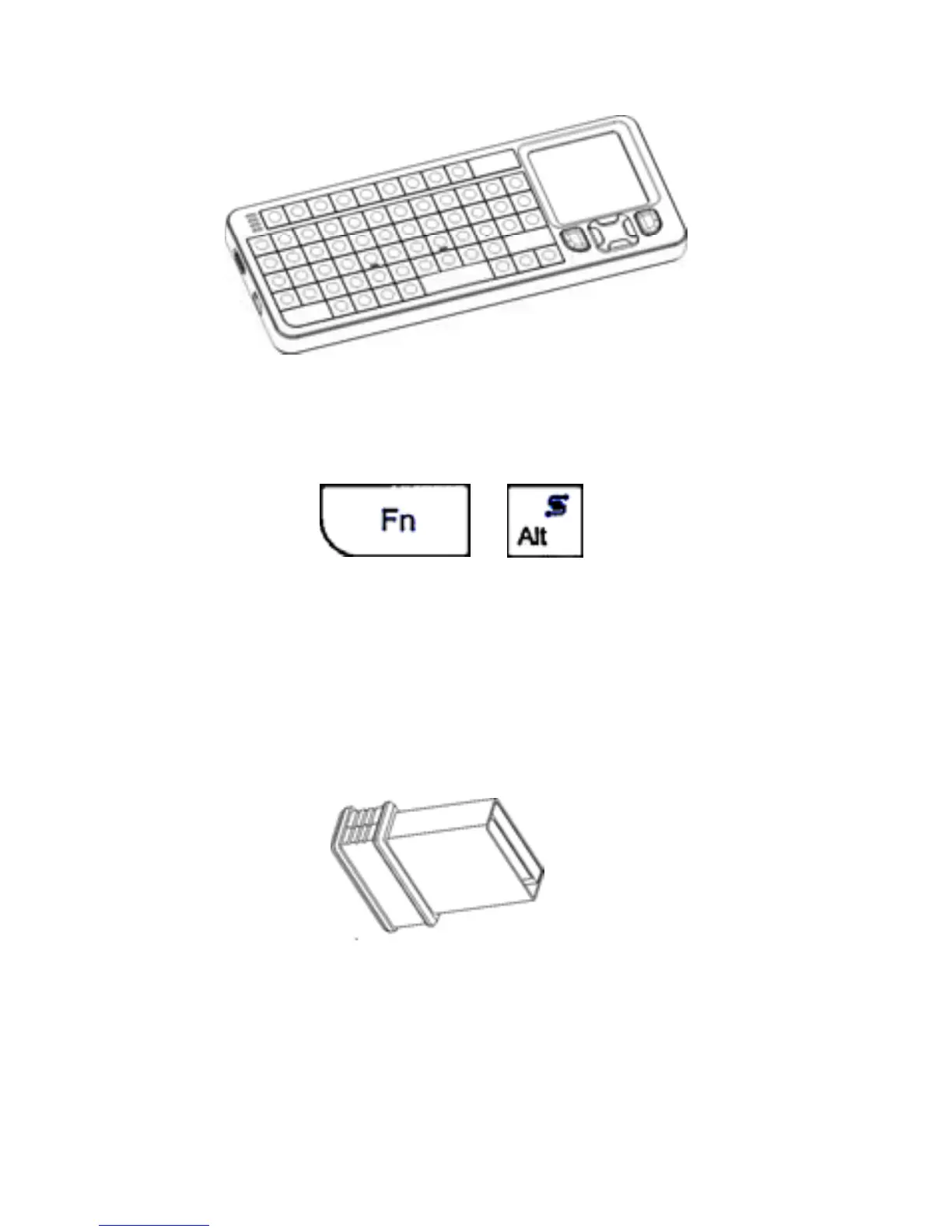
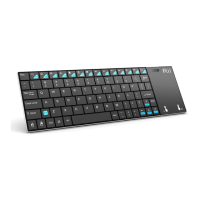
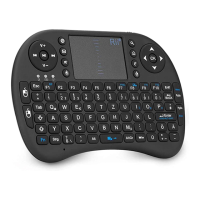
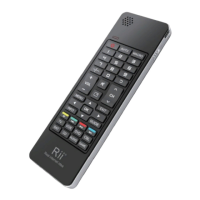
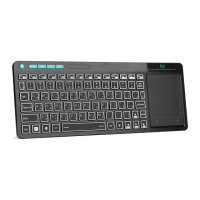
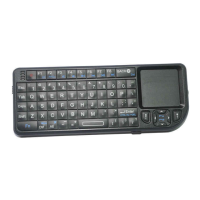
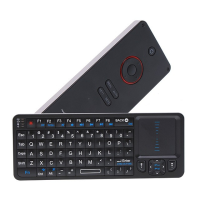
The multifunctional combo with wireless
keyboard & touchpad
Touchpad
The touchpad can be used in a horizontal or
vertical position. To switch between horizontal or
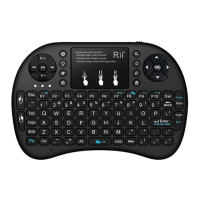
vertical mode, hold the Fn key and hit the Alt key.
Connecting the receiver
Take out the 2.4G dongle from the giftbox, and
insert to the devices with a standard USB interface.
Once connected, slide the power switch to the
"ON" position located on the left side of the unit to
establish the connection.
Enabling the backlight
Once the keyboard has established a connection to
the receiver, the backlight keys will automatically
turn on for 3 seconds. T he backlight will turn off
after 3 seconds to preserve battery life. To manually
turn the backlight on, simply press the key specified


 To Next Page