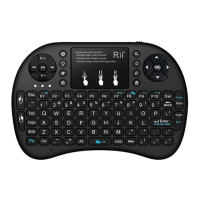
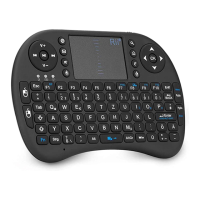
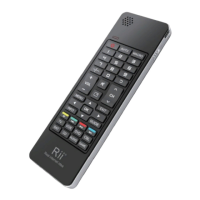
above in the diagram.
Auto sleep and wake feature
The keyboard also features an auto sleep and auto
wake mode. If there is a long period of inactivity, the
keyboard will automatically go into a sleep mode.
During the sleep mode, the user can wake the unit
up by pressing any key. The 2.4 GHz receiver and
keyboard’s RF indicator will continue to flash and
will not power down.
Switching off the keyboard after use
After finishing using the keyboard,push the switch
to the off position.This turns off the power,of the
keyboard.The USB receiver should be plugged out
from the PC and then inserted back in the keyboard
so it is being kept safely.
Charging the battery
The device with built-in lithium-ion battery, please
use only approved data lines and chargers.
Note: Fully charge the unit before operating for the
first time. This device can be used when charging,
but will extend the charging time;
When the battery is low, the low-voltage light will
flash to warn the user. The unit will automatically
turn off if the battery has been depleted.



 To Next Page