Proton — User’s Guide
Introduction — LCD components
14
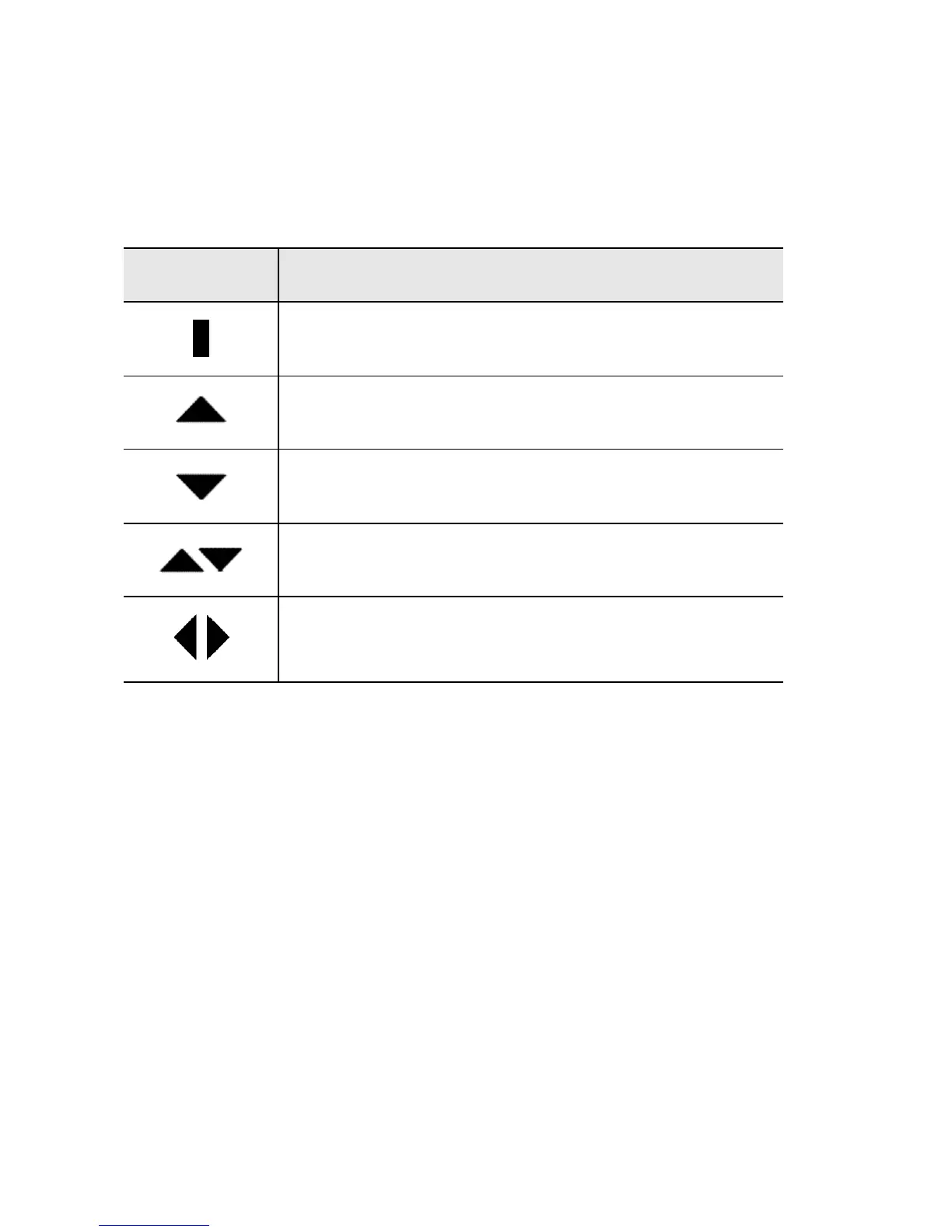
Navigational icons
These icons appear on the Proton’s LCD screen to indicate positions
within fields, lists, menus, and screens.
Icon Description
Indicates the cursor position
You are at the bottom of a menu or screen; scroll
the trackwheel up to view more items.
You are at the top of a menu or screen; scroll the
trackwheel down to view more items.
You can scroll the trackwheel up or down to
view more screen or menu items.
You can scroll the trackwheel left or right to con-
tinue viewing icons on the functions list.



 To Next Page