31
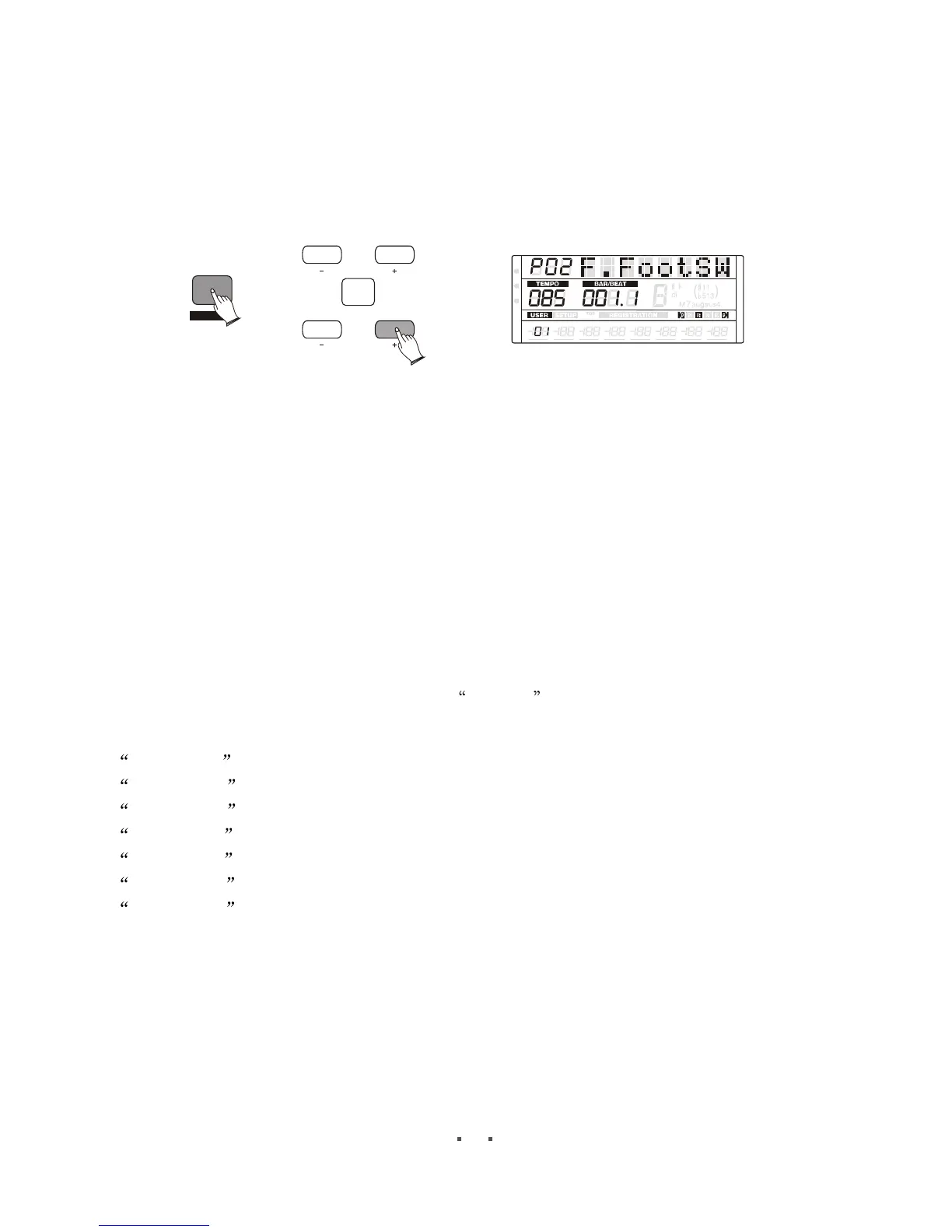
F.FootSW
Press [ ] button, then use [SHIFT] button and [ ] button to select F.FootSWOTHERS ITEM/PAGE +
MIDI
REG
DRV
CONFIRM
ITEM
/PAGE
D ATA
SHIFT
6
6
m
m
VOLUME PAN
TUNE
TRANSPOSE
OCTAVE ATTACK DECAY
RELEASE
When LCD displ ayP02F.FootSW, press [ITEM/PAGE +] button to set F.FootSW, then
press [DATA +/-] button or use the data dial to select the function of the left switch on the
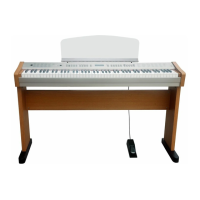
expression pedal: Off, Start, Fill, Ending, Damper.
OFF----------- The Left Foot-switch will not control any function.
StartStop--- This function correspond to the [START] button on the panel. Switches the
rhythm on/off whenever you press the Left Foot-switch.
Fill------------ This function correspond to the [FILL] button on the panel. Let you add
dynamic variations and breaks in the rhythm of the accompaniment.
Ending------- This functions correspond to the [INTRO/END] button on the panel. In this
mode, if you press the Left Foot-switch, the rhythm section is switched to
Ending, After the ending pattern is played, the rhythm stops.
Damper------ Sustain, when LCD display Damper , press ITEM/PAGE +[ ] button from
the current page, select the keyboard sounds of the sustain control
U1Damper --------upper voice 1's damper switch status
U2 Damper ------ upper voice 2's damper switch status
LD Damper ------ lead voice's damper switch status
L1 Damper ------ lower voice 1's damper switch status
L2 Damper ------ lower voice 2's damper switch status
P1 Damper ------- pedal voice 1's damper switch status
P2 Damper ------- pedal voice 2's damper switch status
Lock
Press [ ] button, then use [SHIFT] button and [ ] button to set Lock.OTHERS ITEM/PAGE +


 To Next Page