40
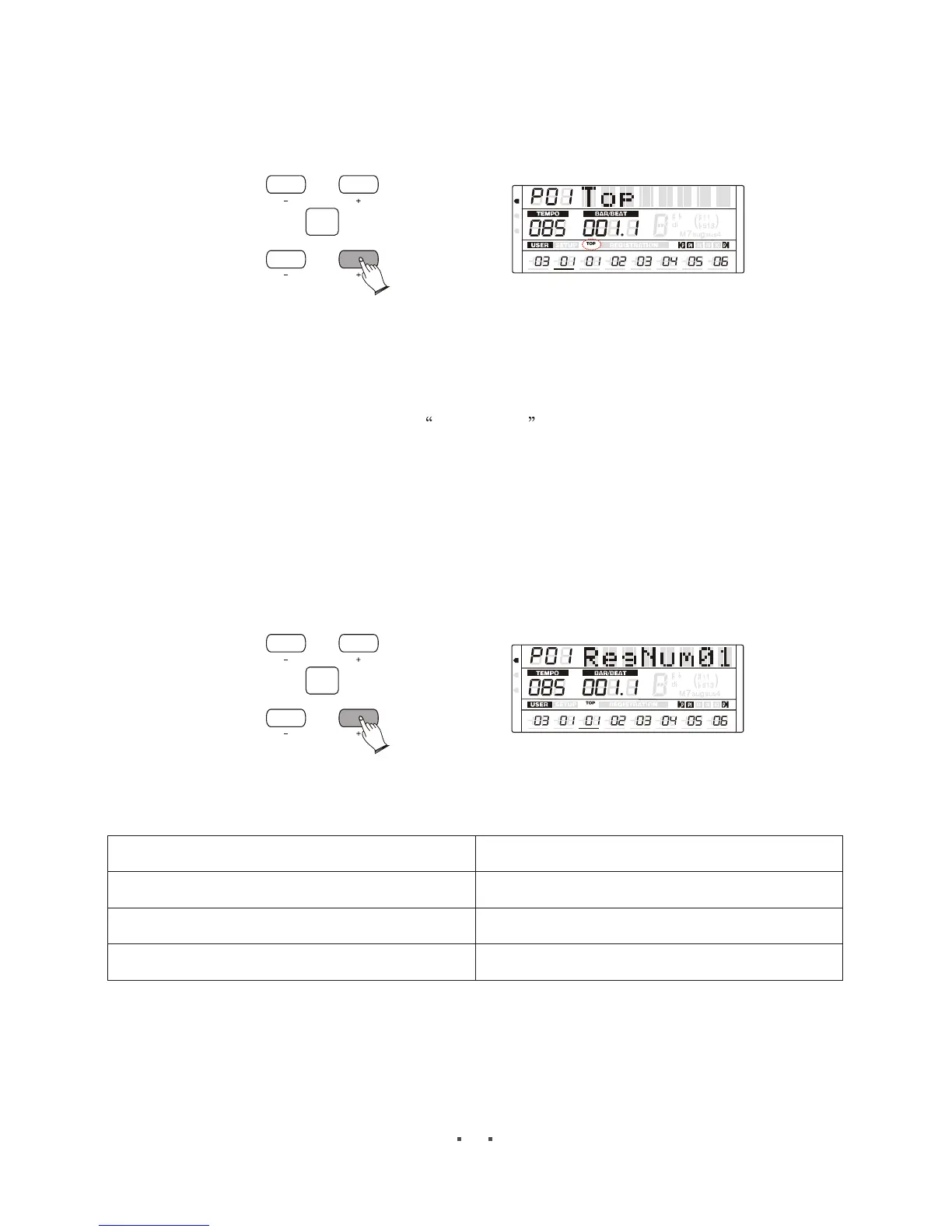
Top---right foot-switch can select Registrations from the first to the last circularly.
Stop--- right foot-switch can select Registrations from the first to the last. Then stops.
CONFIRM
ITEM
/PAGE
DATA
MIDI
REG
DRV
6
6
m
m
VOLUME PAN
TUNE
TRANSPOSE
OCTAVE ATTACK DECAY
RELEASE
CONFIRM
ITEM
/P AGE
DATA
MIDI
REG
DRV
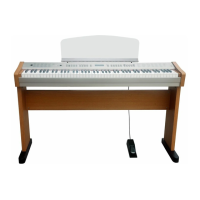
Press [ITEM/PAGE +] button, select RegNum01 , use [DATA +/-] button or use the
data dial change the set .there are all 78 registration settings.
Press [SHIFT] button and hold ,then press [insert] button to insert one registration on
current position.
Press [SHIFT] button and hold ,then press [delete] button to delete the registration on
current position.
Press [SHIFT] button and hold ,then press [clear] button to clear all registration settings.
6
6
m
m
VOLUME PAN
TUNE
TRANSPOSE
OCTAVE ATTACK DECAY
RELEASE
Your can write special midi event in your midi file to realise this function.
SYSEX NOTE
F0 00 20 54 20 01 vv F7 Registration number vv=1~16
F0 00 20 54 20 02 vv F7 Disable switch vv=0,off vv= not 0 on
F0 00 20 54 20 03 vv F7 Call the registration bank vv= 1~4


 To Next Page