4.1 Tap Tempo Function
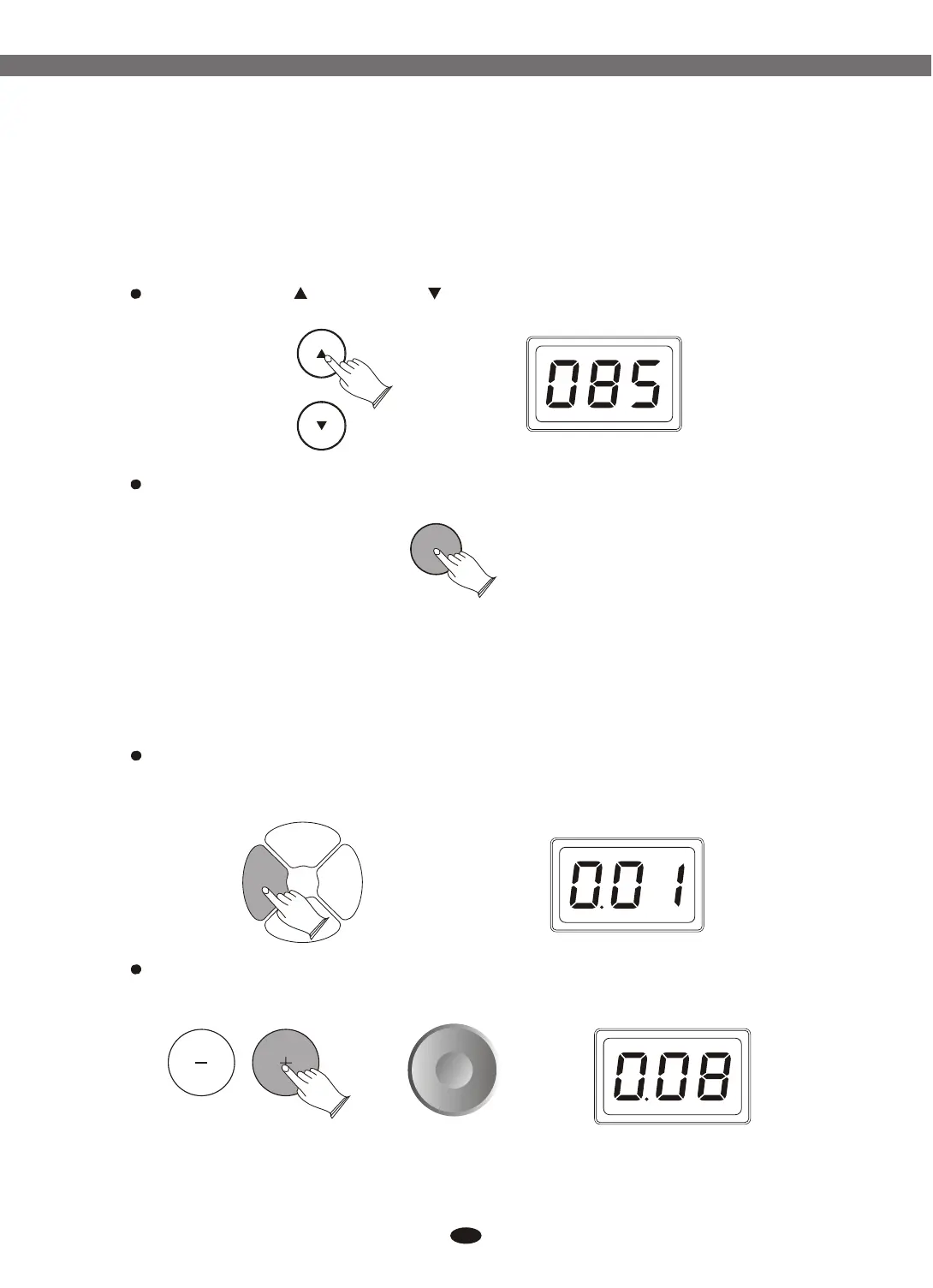
This function allows you to set the song's tempo by tapping in tempo on a pad.
Press [TEMPO ]or [TEMPO ] button. LED shows the tempo value.
Then press [ENTER] button, the tempo value is flashing.
Tap on the pad in the tempo that you want to get.
Tap on the pad 4 times. Only the last two beats will be detected and set as
your desired speed.
ENTERENTER
KITKIT PADPAD
EFFECTEFFECT
CLICKCLICK
You can use the data dial or [+] and [-] buttons to select the kits which you
want.
The unit comes with 25(NO.001-025) preset drum kits and 5 (NO.026-030)
user kits.
Press [KIT] button, the current kit number appears.
13
5. Select Drum Kits
TEMPOTEMPO
Electronic Drum


 To Next Page