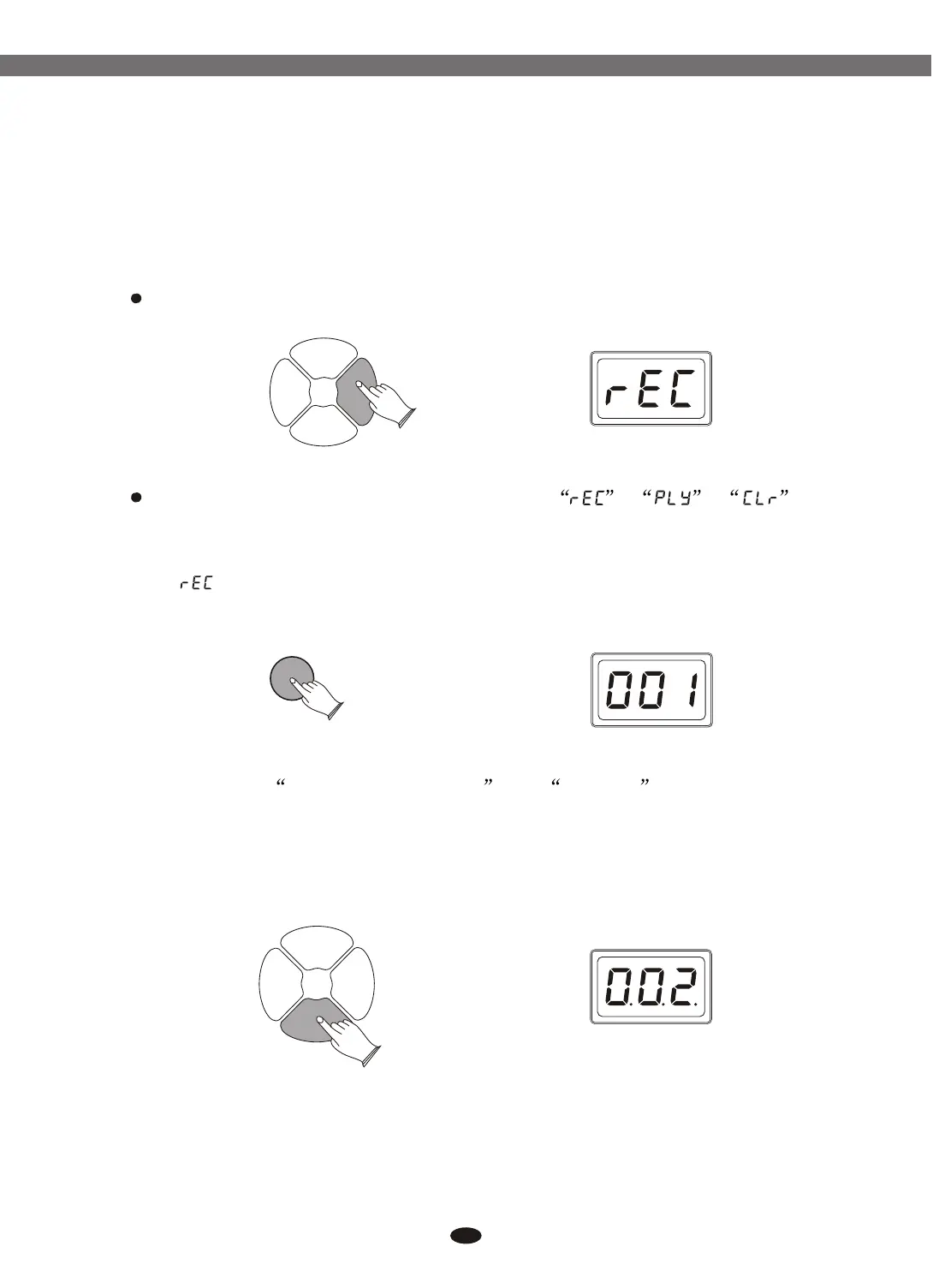
Press [REC/PLAY] button enter record mode.
Use data dial or buttons to select , , .[+] and [-]
SONGSONG
REC/
PLAY
REC/
PLAY
DRUM
ON/OFF
DRUM
ON/OFF
START/
STOP
START/
STOP
13.2 Start Recording
Press [START/STOP] button to start recording.
The first measure is prompt for recording tempo.
SONGSONG
REC/
PLAY
REC/
PLAY
DRUM
ON/OFF
DRUM
ON/OFF
START/
STOP
START/
STOP
27
ENTERENTER
13.1 Record
(Record): Press [ENTER]
Use data dial or buttons to select song number: 001-003
Note: You have to select time signatures and tempo before recording.
Reference: 9.2 and 4Tempo .
[+] and [-]
Time Signatures
13. Rec/Play
TD90 allows you to record and playback your performance on the drum.
The recording can contain 3 songs and only drum voices are allowed to record.
Electronic Drum


 To Next Page