9.4 Tempo
To change the click tempo please see the dedails in Tempo section.
Reference: 4 Tempo .
Click
25
10. Song
TD90 provides 50(001-050) preset songs, and 2(d-1,d-2) demos.
10.1 Select a Song
Press [SONG] button:
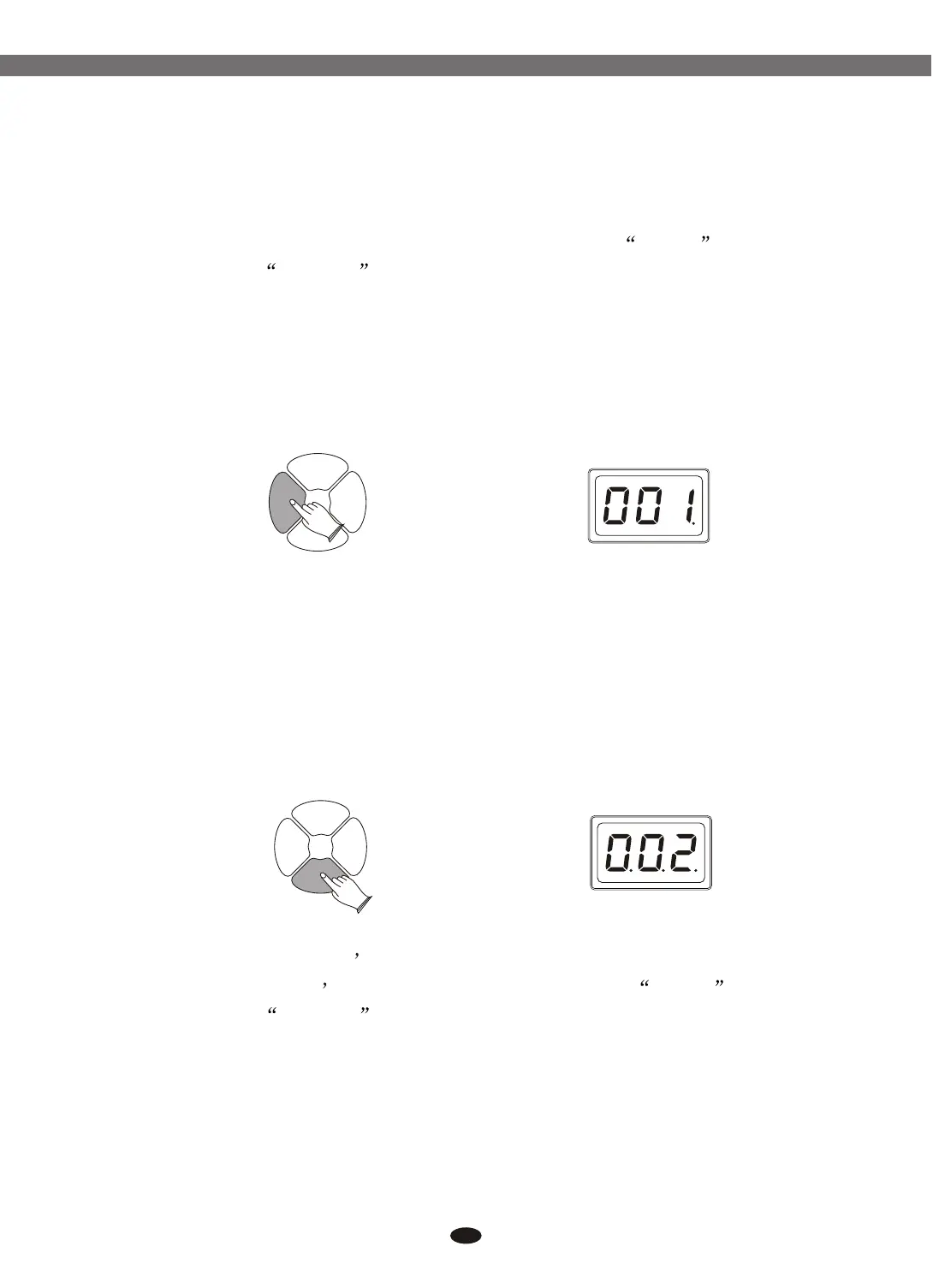
Use data dial or buttons to select song.
In song select mode, press [ENTER] button to adjust the song volume,
Use data dial or buttons to set it. Range: 000-032.
[+] and [-]
[+] and [-]
SONGSONG
REC/
PLAY
REC/
PLAY
DRUM
ON/OFF
DRUM
ON/OFF
START/
STOP
START/
STOP
10.2 Start/Stop Playing the Song
Press [START/STOP] button to start playing the song.
Press [START/STOP] button again to stop playing.
SONGSONG
REC/
PLAY
REC/
PLAY
DRUM
ON/OFF
DRUM
ON/OFF
START/
STOP
START/
STOP
10.3 Change the Song s Tempo
To change the song s tempo, please see the dedails in Tempo section.
Reference: 4 Tempo .
Electronic Drum


 To Next Page