ENTERENTER
KITKIT PADPAD
EFFECTEFFECT
CLICKCLICK
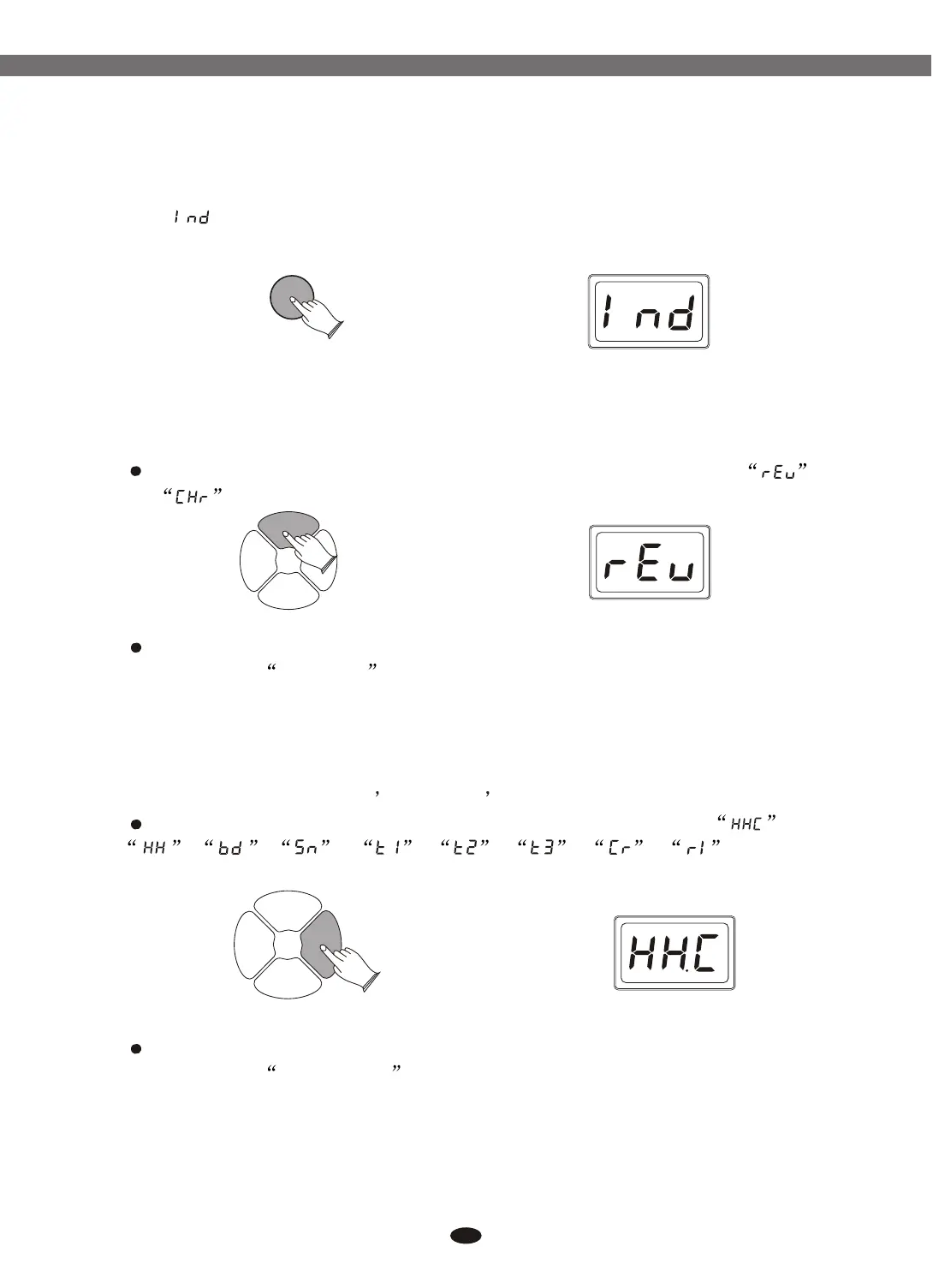
Press [EFFECT] button, use data dial or buttons to select
and .
Press [ENTER] to confirm, use data dial or buttons to set parameters.
Reference: 6.2 Effect
[+] and [-]
[+] and [-]
6.4.2 (Individual): In this mode, it cannot lock the current kit's sensitivity,
threshold, and velocity settings. Other kits will not follow the current kit.
Press [ENTER] button to confirm.
Press [PAD] button, use data dial or buttons to select ,
, , , , , , , .
Press [ENTER] to confirm, use data dial or buttons to set parameters.
Reference: 6.1 Set Pad
[+] and [-]
[+] and [-]
KITKIT PADPAD
EFFECTEFFECT
CLICKCLICK
23
7. Effect
In this function you can set reverb and chorus effect for drum kit.
8. Pad
In this function, you can change pad voices. Adjust volume of every voices
in the kit. Set pad sensitivity threshold velocity curve, etc.
Electronic Drum


 To Next Page