9. Click
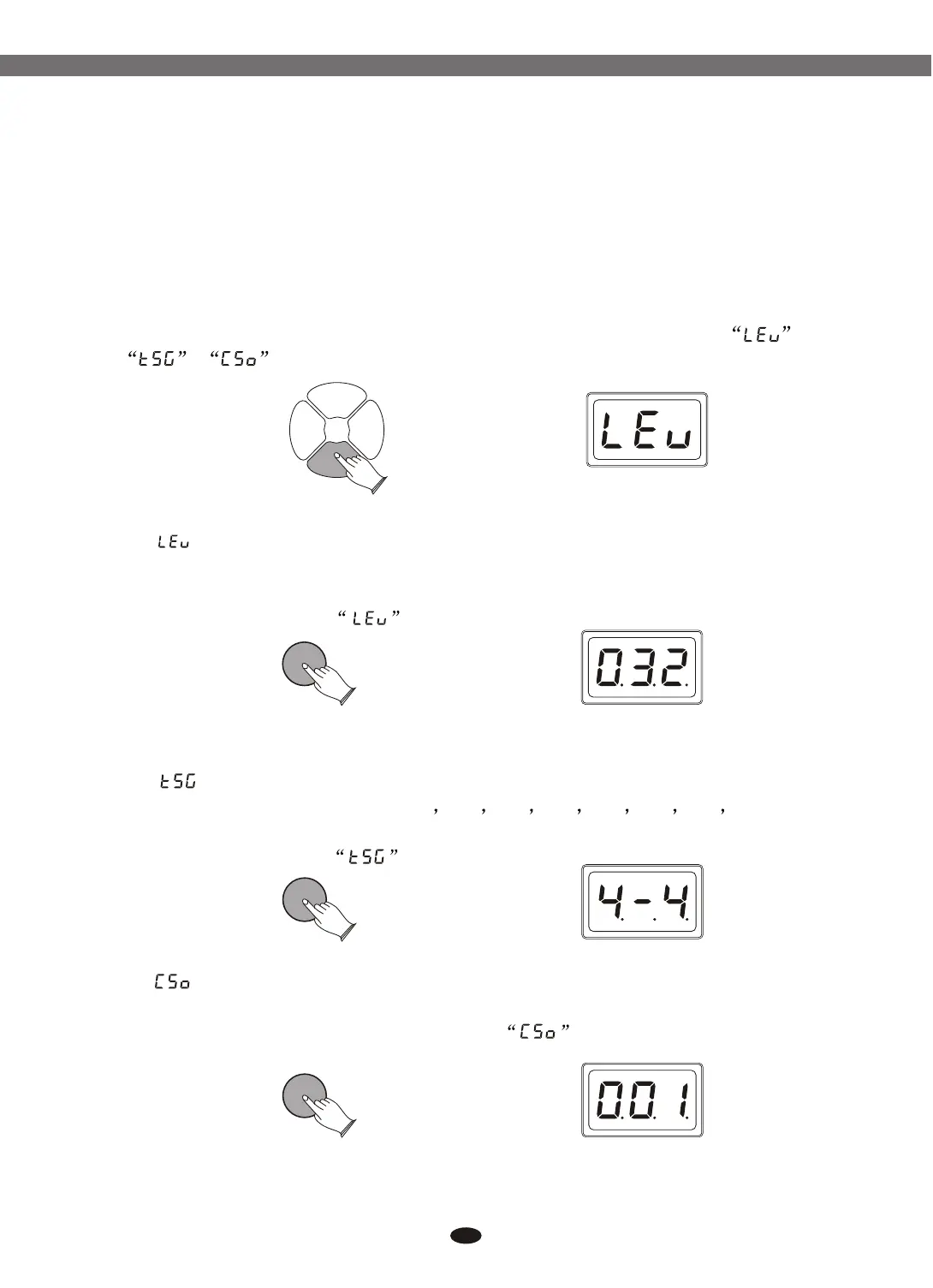
In CLICK mode, you can adjust the metronome level. Select time signatures
and metronome sound.
Press [CLICK] button to start metronome. To turn off the metronome, press
the [CLICK] button again.
Press [CLICK] button, use data dial or buttons to select ,
,
( ) : Press [ENTER] button, use data dial or buttons to set
level value. Range: 000-032.
To confirm this selection, press [ENTER] again, and the content of LED-
display will return to the mode.
[+] and [-]
[+] and [-]Level
ENTERENTER
(Time Signatures) : Press [ENTER] button, use data dial or
buttons to select time signatures: 1/4 2/4 3/4 4/4 6/4 3/8 6/8 12/8.
To confirm this selection, press [ENTER] again, and the content of LED-
display will return to the mode.
(Click Sound) : Press [ENTER] button, use data dial or buttons
to select click sound:001-003. To confirm this selection, press [ENTER] again, and
the content of LED-display will return to the mode.
[+] and [-]
[+] and [-]
ENTERENTER
ENTERENTER
24
9.1 Click Level
9.2 Time Signatures
9.3 Click Sound
KITKIT PADPAD
EFFECTEFFECT
CLICKCLICK
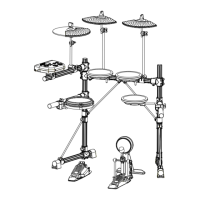
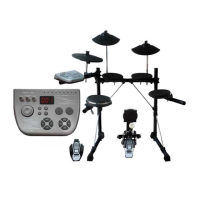
Electronic Drum


 To Next Page