13.3 Stop Recording
Press [START/STOP] button again to stop recording.
13.4 Play Song
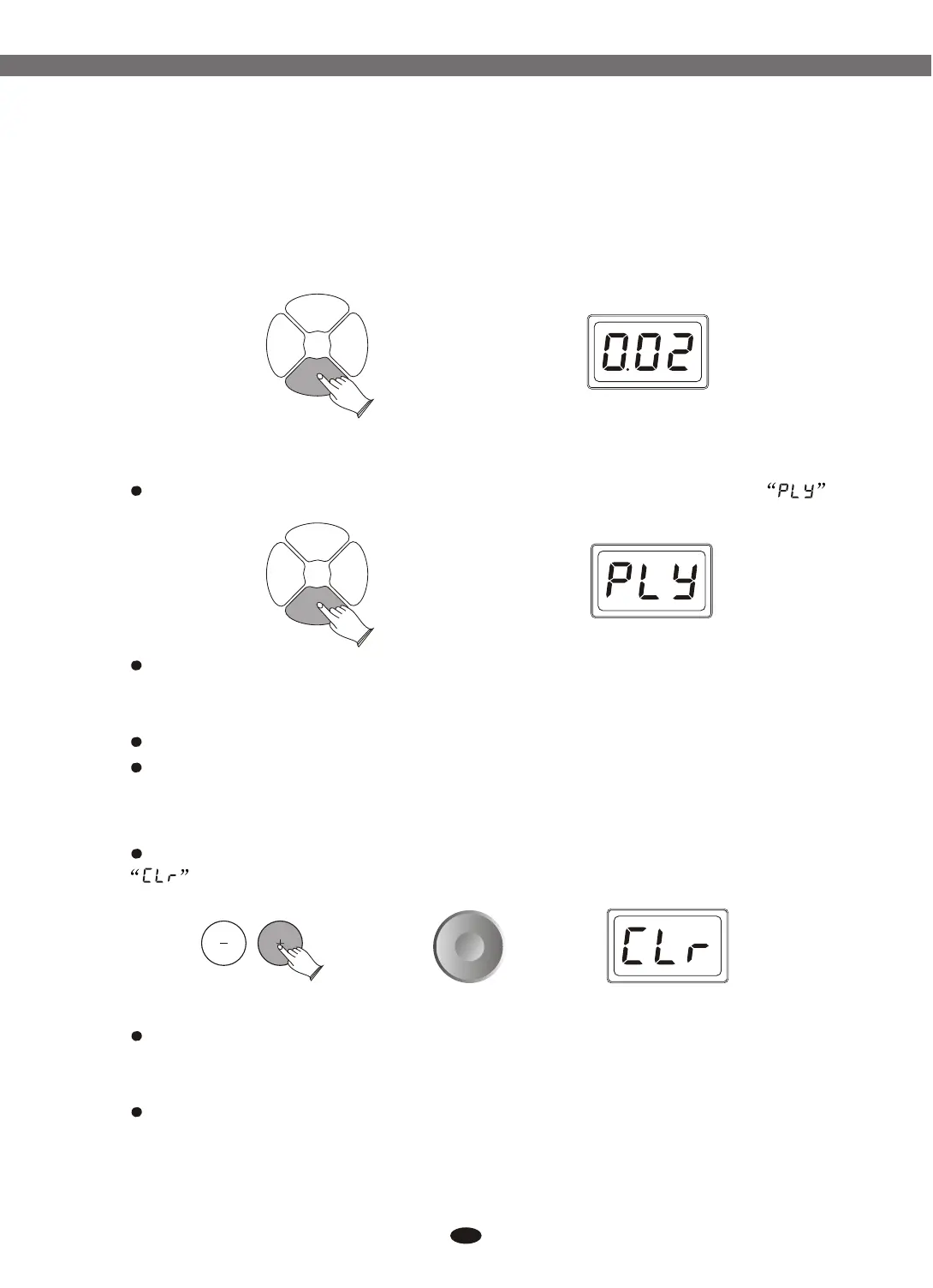
Press [REC/PLAY]button use data dial or buttons to select .
Press[ENTER] button use data dial or buttons to select song
number:001-003.
Press [START/STOP] button to play the song.
Press [START/STOP] button again to stop playing.
[+] and [-]
[+] and [-]
SONGSONG
REC/
PLAY
REC/
PLAY
DRUM
ON/OFF
DRUM
ON/OFF
START/
STOP
START/
STOP
SONGSONG
REC/
PLAY
REC/
PLAY
DRUM
ON/OFF
DRUM
ON/OFF
START/
STOP
START/
STOP
Press [REC/PLAY] button, use dial data dial or buttons to select
Press [ENTER] button, use data dial or buttons to select song
number that you want to delete:001-003
Press [ENTER] to delete the song.
[+] and [-]
[+] and [-]
28
13.5 Delete Song
Electronic Drum


 To Next Page
 Loading...