39
DIGITAL SURF WATCHES
DESCRIPTION OF MODES & FUNCTIONS
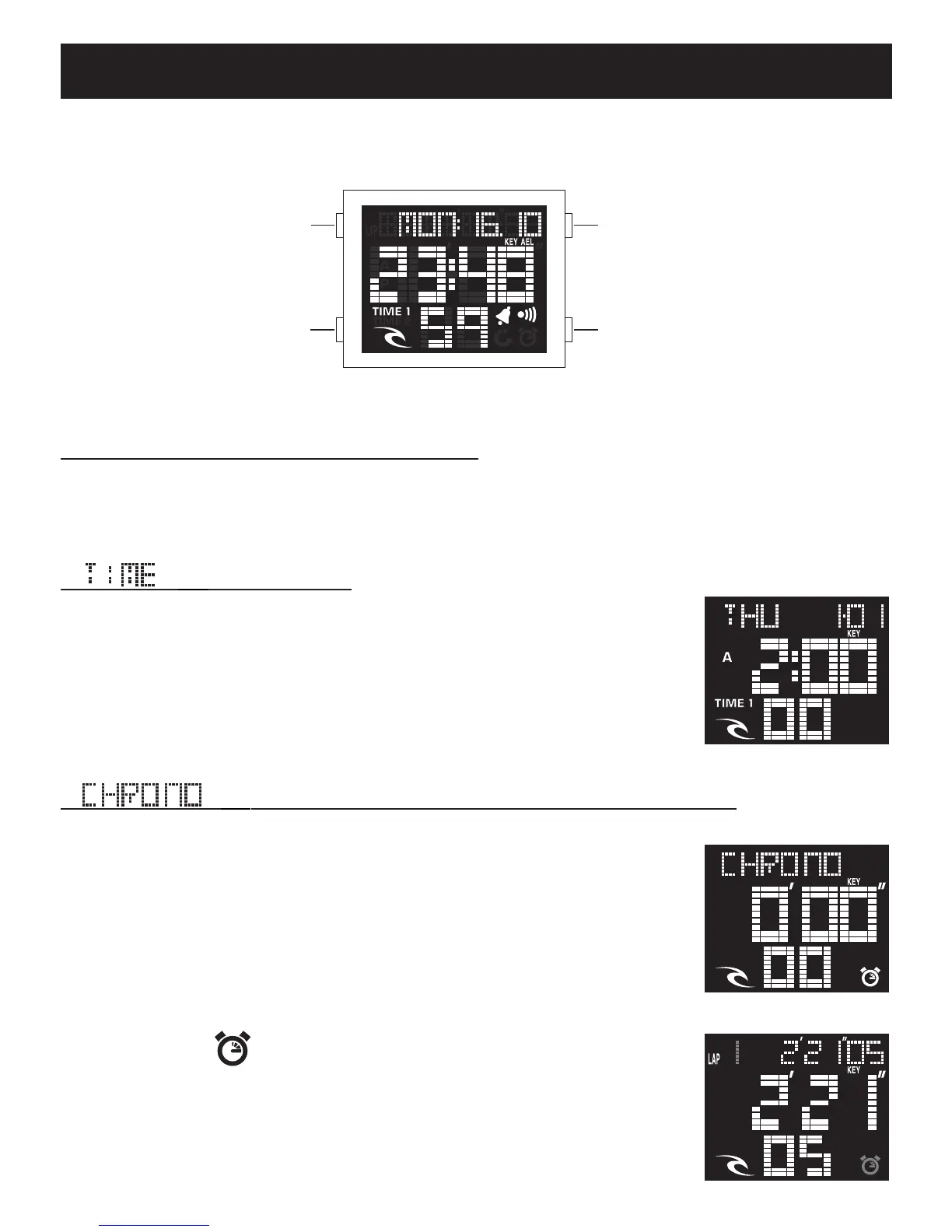
There are FIVE modes of operation. By depressing the MODE button, there
is a visual indication of what function has been chosen.
[ ] Normal Time:
The display shows hour in 24hr Military time or in AM &
PM, minute, second, month, date and day of week.
To enable or disable key tone when in [TIME 1] mode
press the LAP/RESET repeatedly and the (KEY) symbol
will appear or disappear.
[ ] Stop watch (Chronograph) with lap memory:
Your chronograph will count in 100th of a second from 0
to 23 hours, 59 minutes, 59 seconds.
In [CHRONO] mode, simply push the START/STOP button
to commence and stop the Chronograph. Then push the
LAP/RESET button firmly to reset to “0” while the Chro-
nograph is stopped. Note that when the Chronograph is
running, the ( ) symbol will flash.
To record a Lap-time push the LAP/RESET button while
the Chronograph is running. The digits will stop to show
the lap-time and the accumulated time.
START / STOP
LAP / RESET
LIGHT
MODE
* Please make sure your watch matches the display shown.













 To Next Page