41
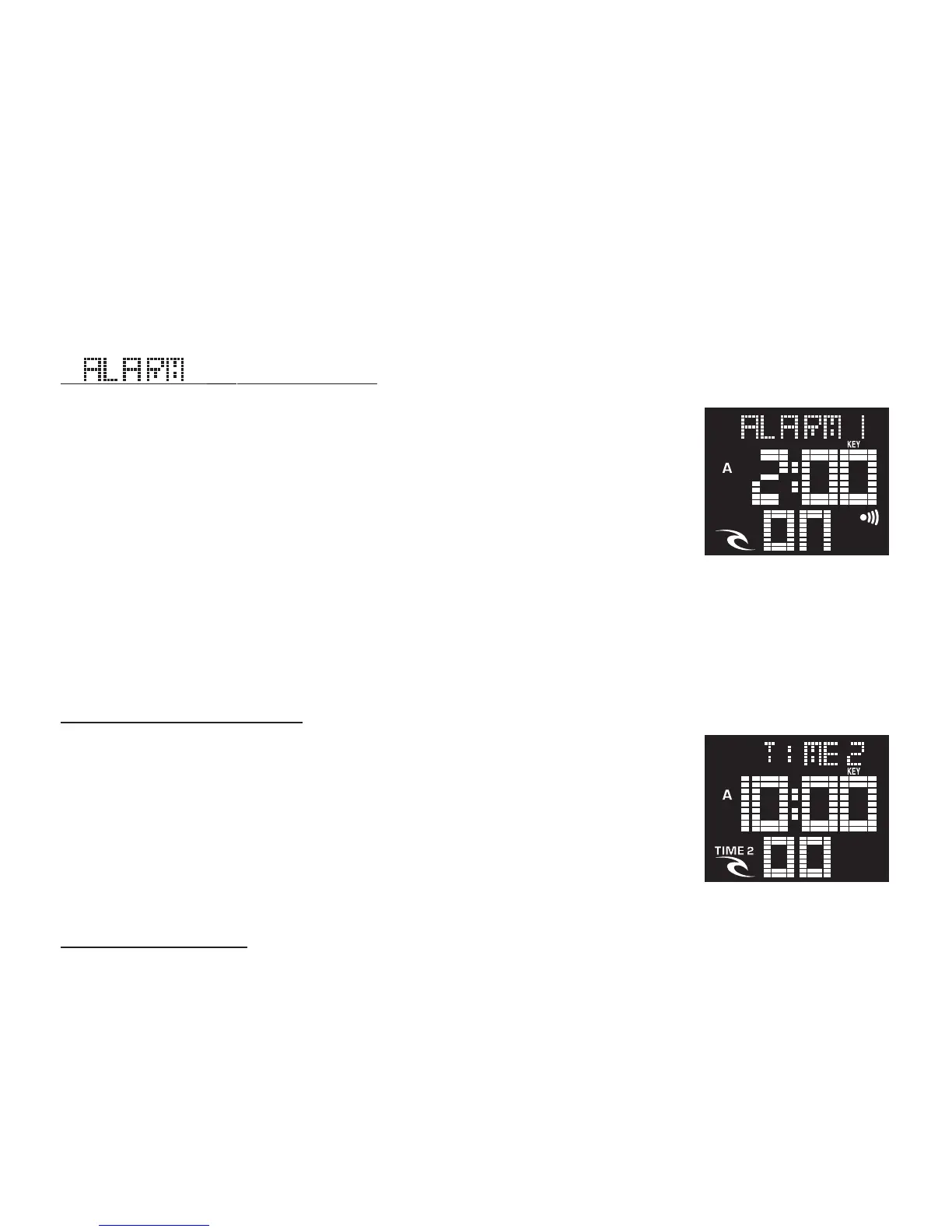
DUAL TIME FUNCTION:
This function is very useful should you travel away from
home to another time zone.
In the [TIME] mode, simply push the START/STOP to toggle
the Time1 / Time2 displays. Then hold the START/STOP
button for 2 seconds to choose the default display time.
LIGHT FUNCTION:
In any MODE you can simply push the LIGHT button and the whole screen
will light up and stay on for 3 seconds.
If auto light function is ON, the whole screen will light up and stay on for 3
seconds if any key is pressed.
be exit and returned to Normal Time screen automatically.
3. A chime sounds for 30 seconds if the Timer is counted down to 0
normally.
4. If preset value is less than 1 minute, and count-down repeat is
selected, a chime sounds for 1 second only each time the Timer is counted
down to 0.
5. The Timer will be stopped and reset automatically with a chime
sounds for 30 seconds, if it is counted up to the maximum (23 hrs, 59min,
59sec).
[ ] Alarm Mode:
By choosing a time, an alarm will sound each day at the
preset time. The alarm is a strong chime and can be im-
mediately shut off by pushing any button or will automati-
cally shut off after 30 seconds.
There are 4 independent daily alarms. Press the START/
STOP button to select the alarm.
Notes : If there is no key operation for 30 seconds, The Alarm screen will be
exit and returned to Normal Time screen automatically.













 To Next Page