54
DIGITAL SURF WATCHES
DESCRIPTION OF MODES & FUNCTIONS
There are FIVE modes of operation. TIME, DATE, ALARM, DUAL TIME,
and STOPWATCH. There is also a light.
By depressing the MODE button, there is a visual indication of what
function has been chosen.
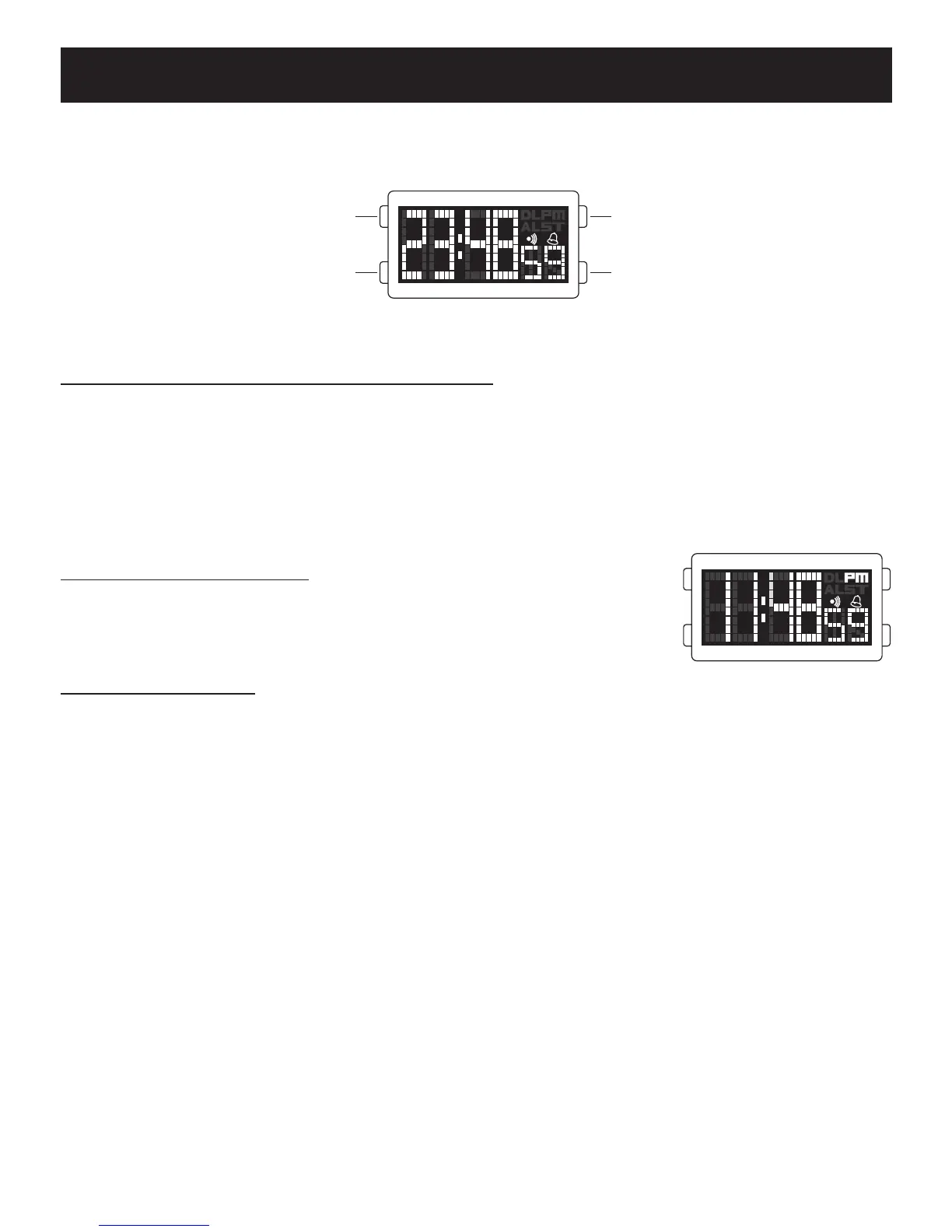
[ TIME ] Normal Time:
The display shows hour in 24hr Military time or in AM
& PM, minute, and seconds.
TO SET THE TIME.
Use the MODE button to find the function you wish. (Note: You have 60
seconds to complete each setting, if longer is taken the watch automatically
returns to the prior setting and you must start again.)
• Press and hold the SET button for 2 seconds, the seconds will flash.
Press MODE to reset seconds to zero.
• Push SET button, the hours will flash. Press MODE to advance the hour.
• Push SET button, the minutes will flash. Press MODE to advance the
minutes.
• Push SET button, 12HR OR 24HR will flash. Press MODE to choose the
setting you want.
• Push SET button, the Time will be locked in.
* Please make sure your watch matches the display shown.
LIGHT
MODE SET
SET













 To Next Page