53
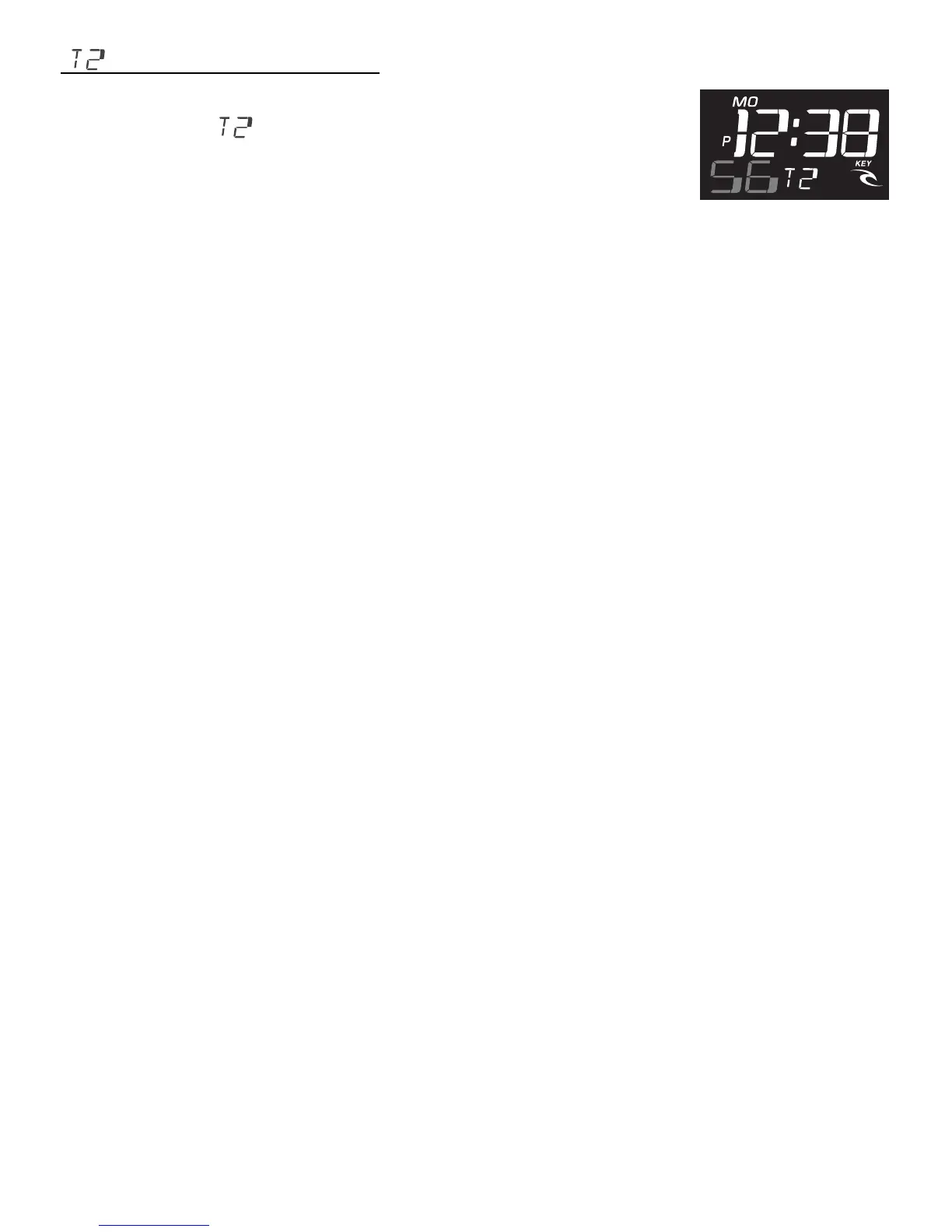
[ ] SETTING DUAL TIME:
• From Normal Time mode push the MODE button
four times. [ ] is displayed in the middle of the
bottom screen.
• Press firmly the LAP/RESET. The Seconds will flash.
Return the Seconds to 00 by hitting the START/STOP.
• Push MODE the Minute will flash. Advance the Minute with START/
STOP until correct. (For quick advance hold in the START/STOP button)
• Push MODE the Hour will flash. Advance the Hour with START/STOP
until correct.
• Push MODE the Year will flash. Advance the Year with START/STOP
until correct.
• Push MODE the Month will flash. Advance the Month with START/STOP
until correct.
• Push MODE the Day will flash. Advance the Day with START/STOP until
correct.
• Push MODE the Time (Both Hour and Minute) will flash. Select 12-HR
(normal AM/PM time display) or 24-HR (military time display) with START/
STOP until correct.
When all new settings are done, you must push the LAP/RESET button to
save.













 To Next Page