43
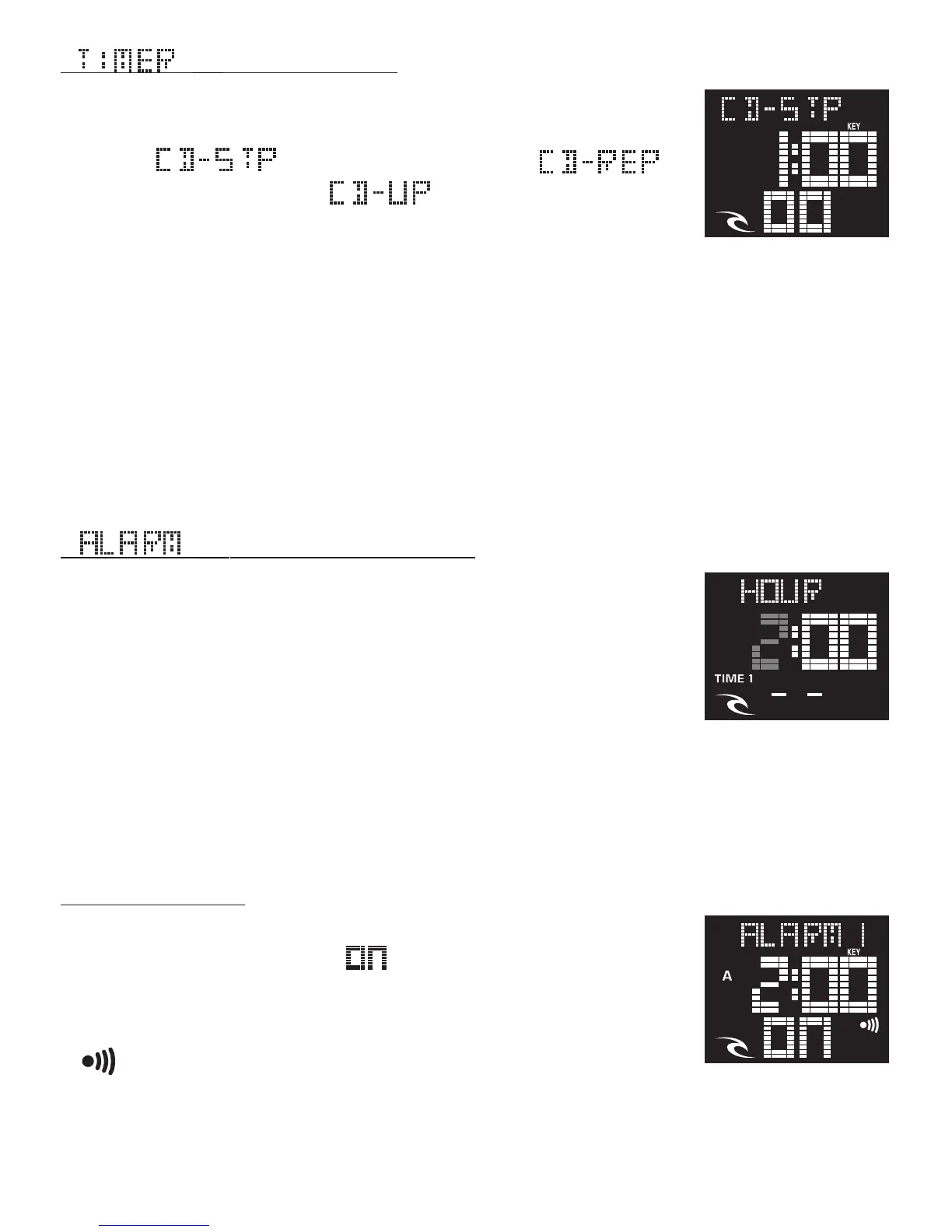
[ ] SETTING ALARM TIME:
• From Normal Time mode push the MODE button 3 times.
• Press the START/STOP button to select the alarm to
be set.
• Press firmly the LIGHT button. The Hour will flash. Ad-
vance or decrease the Hour with START/STOP or LAP/
RESET until correct (For quick change, hold in the button)
• Push MODE the Minute will flash. Advance or decrease the Minute with
START/STOP or LAP/RESET until correct.
When all new settings are done, you must push the LIGHT button to save.
ALARM ON / OFF:
When setting your alarm anytime, the Alarm will auto-
matically default to the ( ) position. To switch your
alarm OFF ( - - ) (or ON again later) when in [ALARM]
mode press LAP/RESET repeatedly and the alarm signal
( ) will appear or disappear.
[ ] SETTING TIMER:
• From Normal Time mode push the MODE button 2 times.
• Press firmly the LIGHT button. The Timer-Type will flash.
Select [ ] Count Down-Stop, [ ]
Count Down-Repeat or [ ] Count Down - and Up
with START/STOP or LAP/RESET until correct.
• Push MODE the Hour will flash. Advance or decrease
the Hour with START/STOP or LAP/RESET until correct. (For quick change,
hold in the button)
• Push MODE the Minute will flash. Advance or decrease the Minute with
START/STOP or LAP/RESET until correct.
• Push MODE the Seconds will flash. Advance or decrease the Seconds with
START/STOP or LAP/RESET until correct.
When all new settings are done, you must push the LIGHT button to save.













 To Next Page