59
DAY/DATE/TIME WATCHES
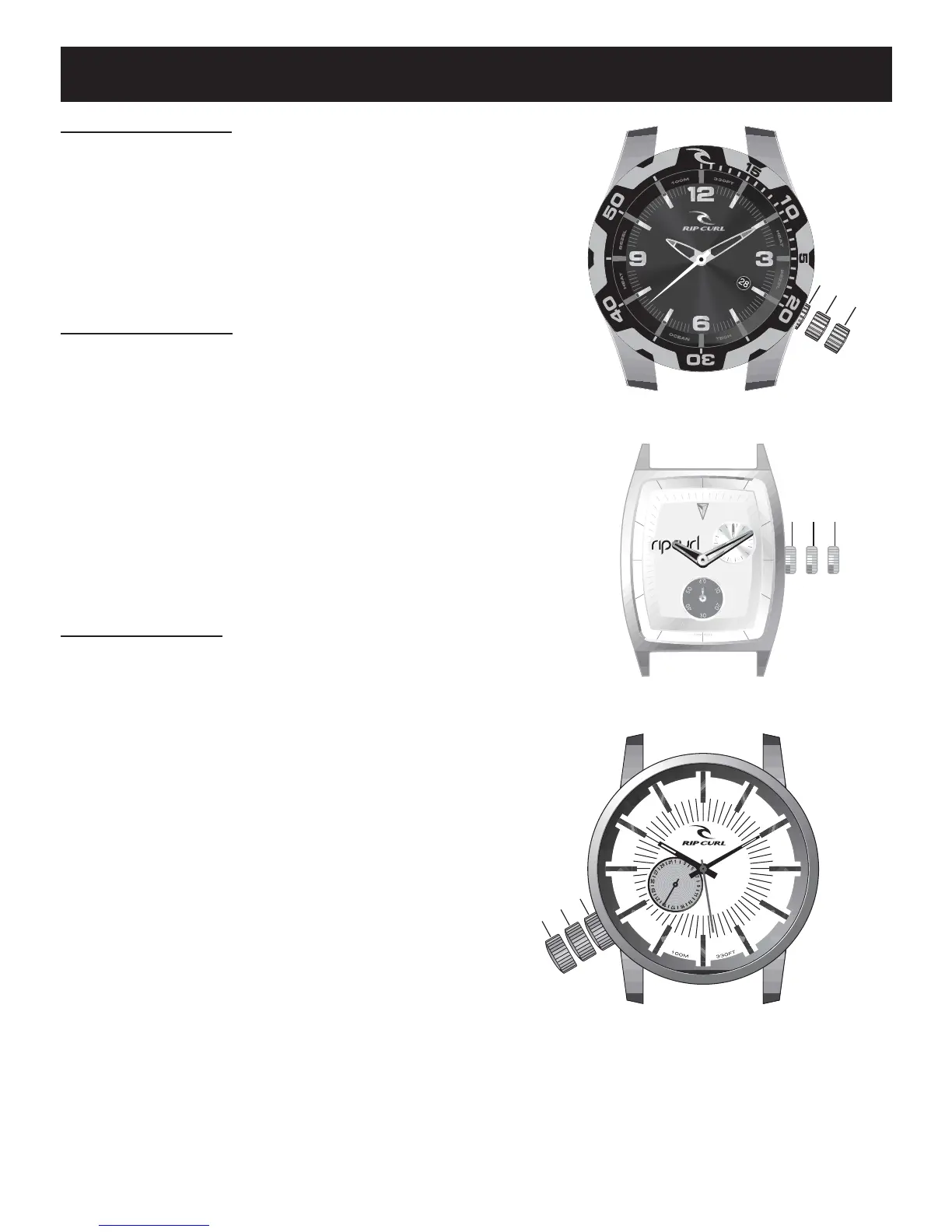
To Change time:
1.Pull crown out fully to point C.
2.Turn crown to move hands to the
correct time.
3.Push crown back in fully to point A.
To Change Date: (If applicable)
1.Pull crown out to point B;
2.Turn crown clockwise to current date
(For some models, please turn counter-
clockwise.)
3.Push crown back in fully to point A.
The Date will automatically change just before
midnight.
To Change Day: (If applicable)
1.Pull crown out to point B;
2.Turn crown counterclockwise to current day
(For some models, please turn clockwise.)
3.Push crown back in fully to point A.
The Day will automatically change just
before midnight.
A
B
C
Crow
n
WARNING!
For your watch to be properly sealed, the crown must be fully pushed in.
Never pull out the crown when your watch is in water or is wet.
A
B
C
C
row
n
ABC
Crown













 To Next Page