Installation and Programming Manual
3-28
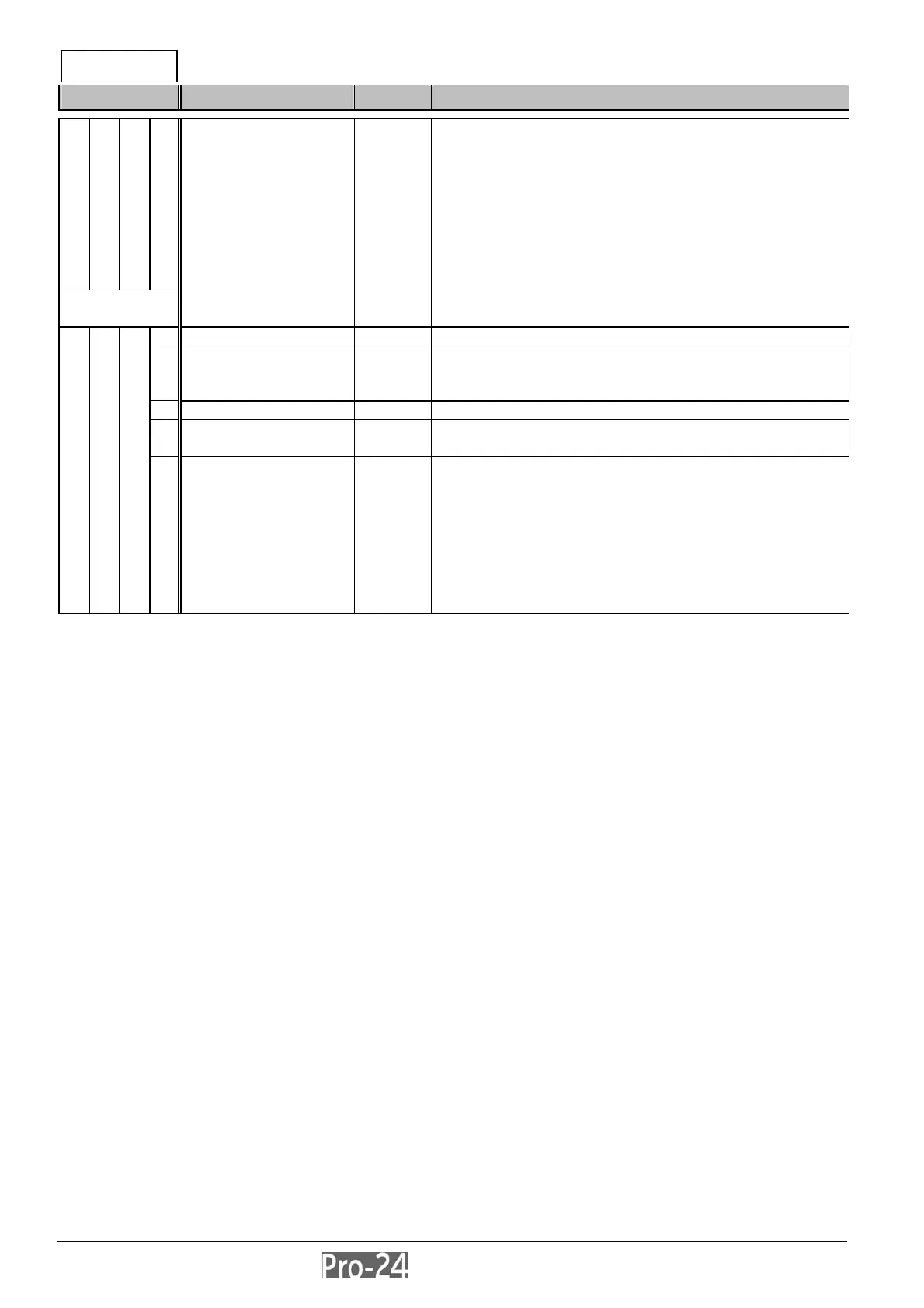
ZONES: ZONE SOUND
Quick Key Item Default Explanation
Zone
Sound
ZONE SOUND ---
programs ONLY the sounds produced when each of
the system’s zones triggers an alarm
reports to the Central Station, if programmed, are
unaffected by any of the following selections
to program the Zone Sound for any zone:
a) from this display, press [ENTER]
b) specify its two-digit Zone Number
c) press [ENTER] again, and select among the
following:
1 Silent no sound is produced
2 Bell Only Default
for
all zones
activates the external sounder(s) for the duration of
the Bell Timeout interval, or until a User Code is
entered, followed by use of the [ENTER] key
3 Buzzer Only activates each keypad’s internal piezo “buzzer”
4 Bell + Buzzer the external sounder(s) and the keypads’ “buzzer(s)”
are activated simultaneously
2 4 xx
+
E
N
T
E
R
5 Door Chime besides offering security protection, the Door Chime
designation is generally used as an audible
annunciator to indicate the violation of a zone(s)
during the disarmed period
if the system is DISARMED:
a momentary annunciation will be heard from the
system’s keypad(s) whenever the zone is violated after
being secured
if the system is ARMED:
only the external sounder(s) will produce the alarm
INSTALLER PROG:
2)ZONES
↓



 To Next Page