ProSYS User Guide 43
To enter a new label:
Use the keys on the keypad to produce characters according to the
table below. Pressing a particular key toggles between the
characters available from that key in the sequence listed below
followed by a blank space. The ProSYS permits a total of 74
characters (letters, numbers, and symbols) for use in labeling.
NOTES:
The data sequence of each key in the following table is suitable only for the
English version.
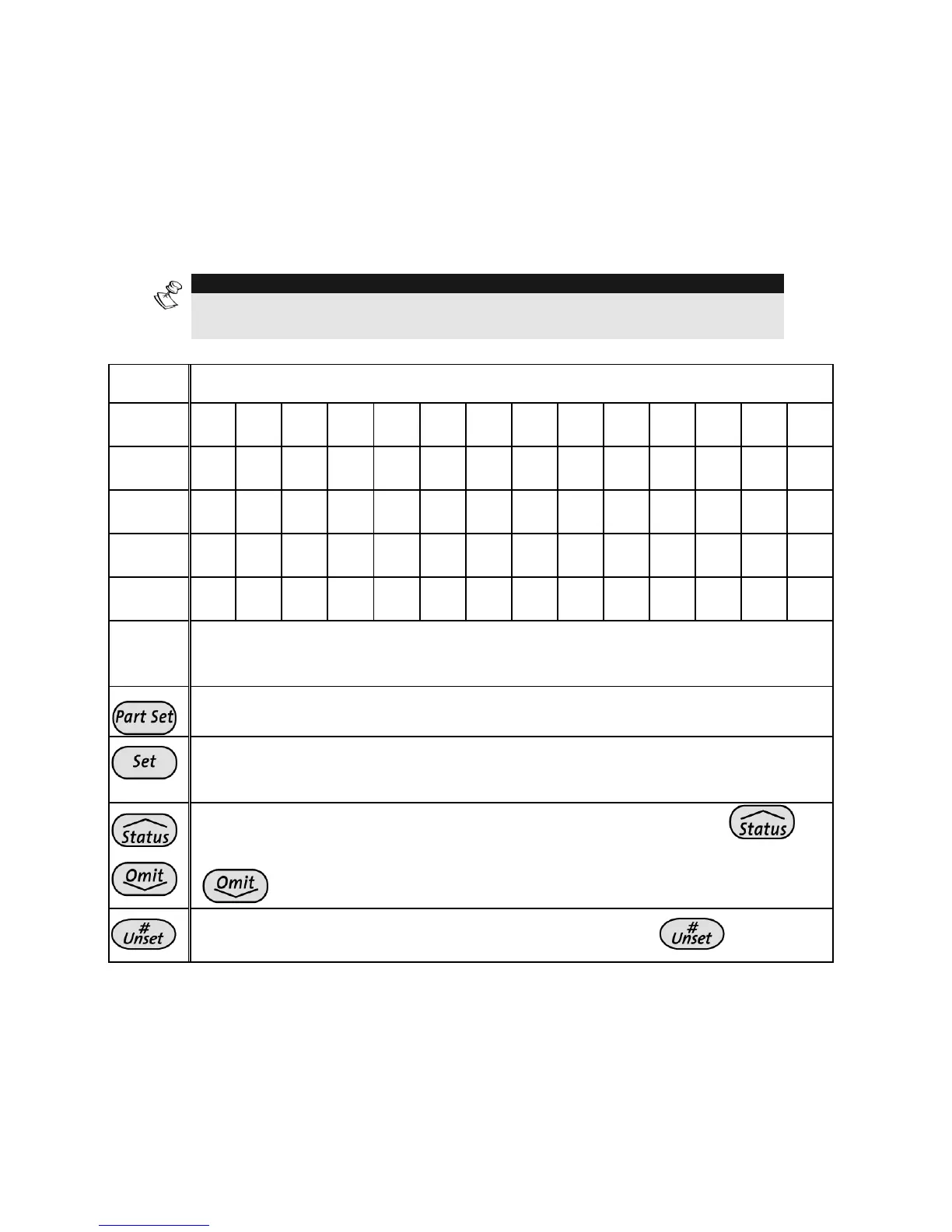
KEY DATA SEQUENCE
1
1 A B C D E F G H I J K L M
2
2 N O P Q R S T U V W X Y Z
3
3 ! '' & ' : – . ? / ( )
4
4 a b c d e f g h i j k l m
5
5 n o p q r s t u v w x y z
6 - 0
Each of these keys toggles between producing their number and a
blank space.
Use this button to toggle forward through the available characters.
Use this button to toggle backward through the available
characters.
To move the cursor to the left, press the UP arrow button .
To move the cursor to the right, press the DOWN arrow button
.
To enter a completed label into the system, press
.



 To Next Page