94
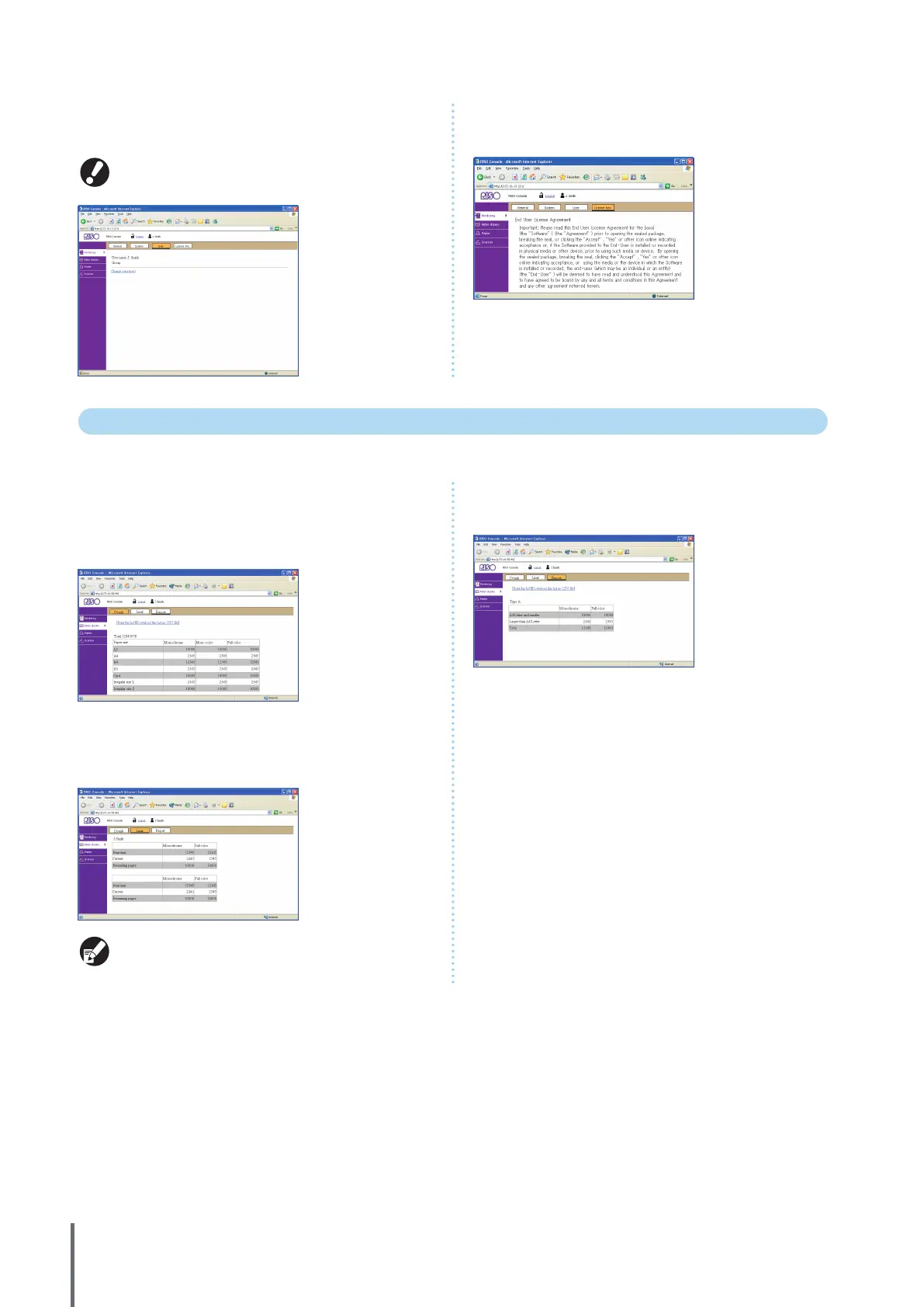
z [User]
Indicates information about the user currently logged in.
Also enables you to change the password.
This screen is displayed when a user is logged in.
z [License Info.]
Indicates the license information of the system in the
machine.
Meter Display
Indicates the quantity of printouts from the machine.
z [Details]
Indicates the quantity of printouts classied by paper size or
color.
This information can be printed or downloaded in CSV
format, if needed.
z [Limit]
Indicates the maximum quantity specied for copying or
printing, the current quantity, and the amount remaining.
• [Limit] is only displayed when the administrator has
restricted the copying or printing quantity.
• The screen varies depending on the “Admin. Settings”.
z [Report]
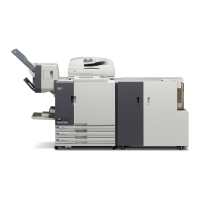
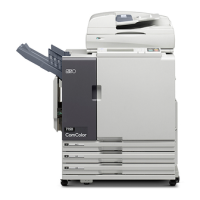
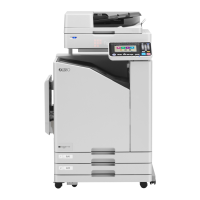
This screen may vary depending on the model of the
machine.
ComColor Series Basic Guide 06



 To Next Page