3. Manually adjust the zoom and focus of the image with the zoom lever and focus
lever on the lens mount. (Refer to the manual provided with your lens.)
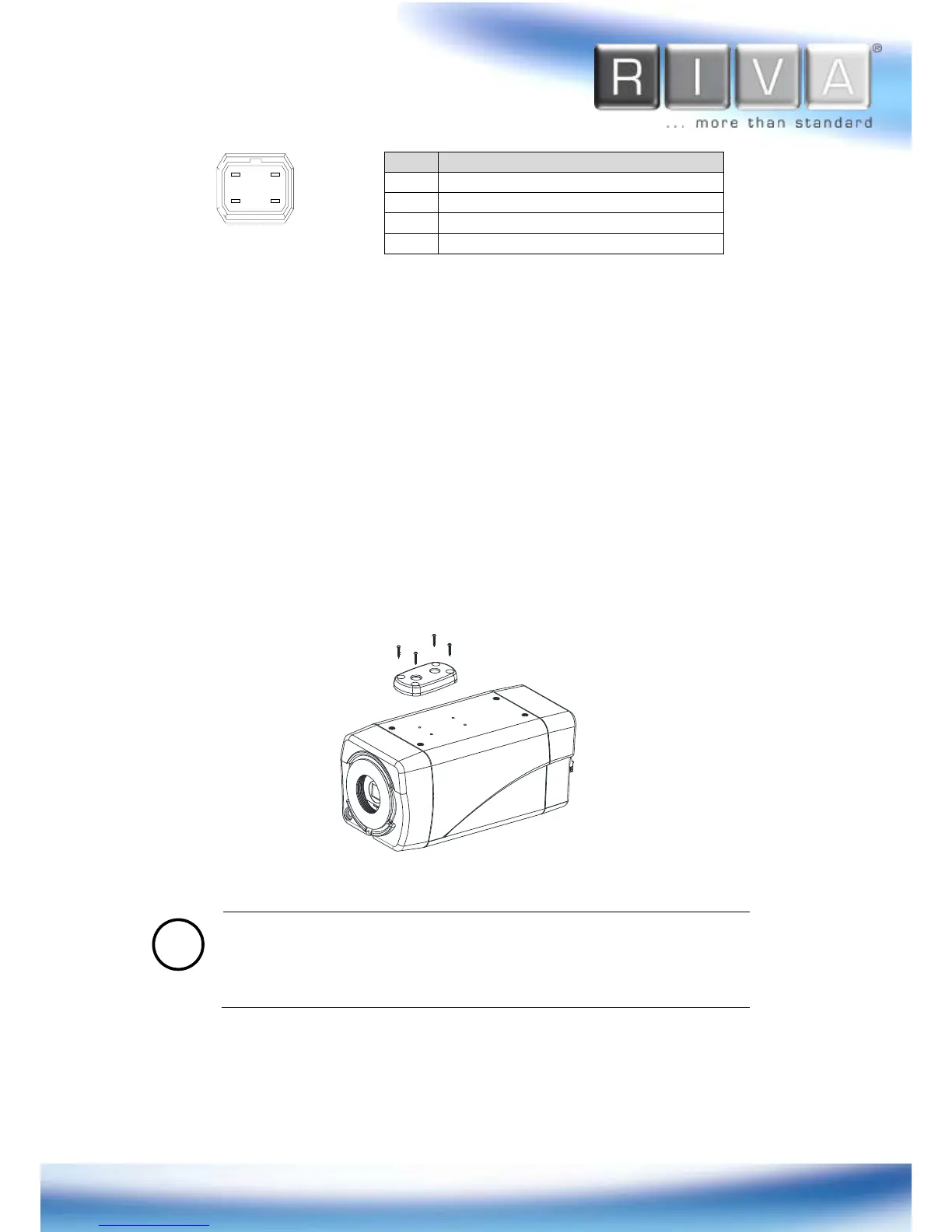
4.2. Installing the Mounting Adaptor
The provided mounting adaptor is designed for installing an IP camera device on a
bracket or tripod. Tripod screw holes are available on both top and bottom of the
camera. Refer to the following image for instruction.



 To Next Page