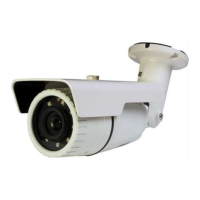
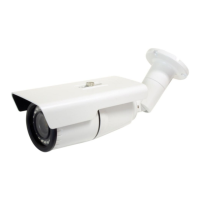
3. Web streaming and device configurations are supported through ActiveX program.
When the ActiveX installation window appears, authorize and install the ActiveX.
5.1.2. Custom IP Environment
IPAdminTool and the manual are provided on USB stick or can download from
www.rivatech.de homepage.
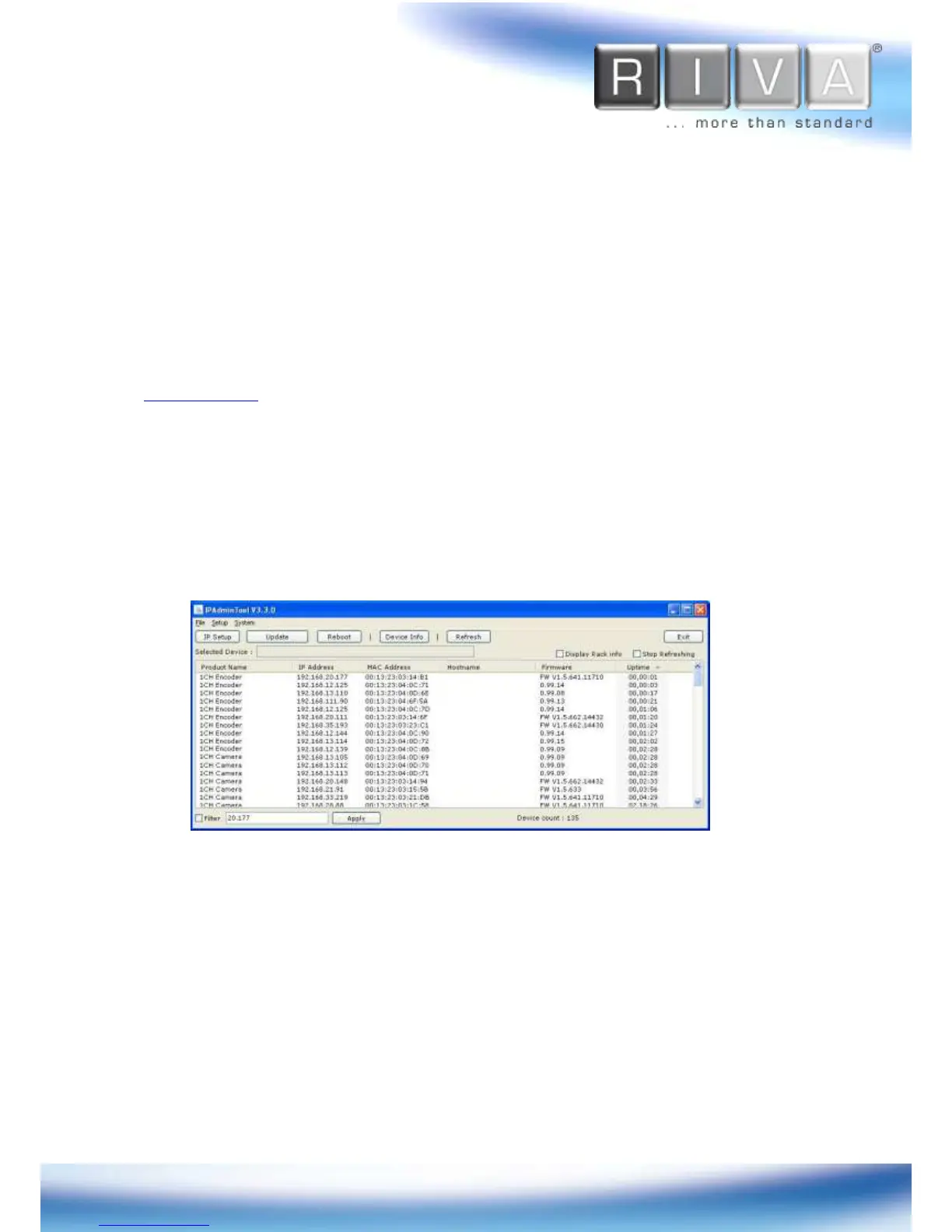
IPAdminTool is a management tool, which automatically scans all of the network
products for users to perform administrative tasks, which includes network
configurations, firmware update, device reboot, and device organizations.
To modify the device’s default IP address for customized network area;
1. Find the device from the IPAdminTool’s list and highlight the device’s name.
2. Right-click the mouse and select “IP Address”; IP Setup window appears.



 To Next Page