4.3. Connecting Cables
Connect the camera to the network and power by using a LAN cable (not supplied)
and DC power adopter (supplied).
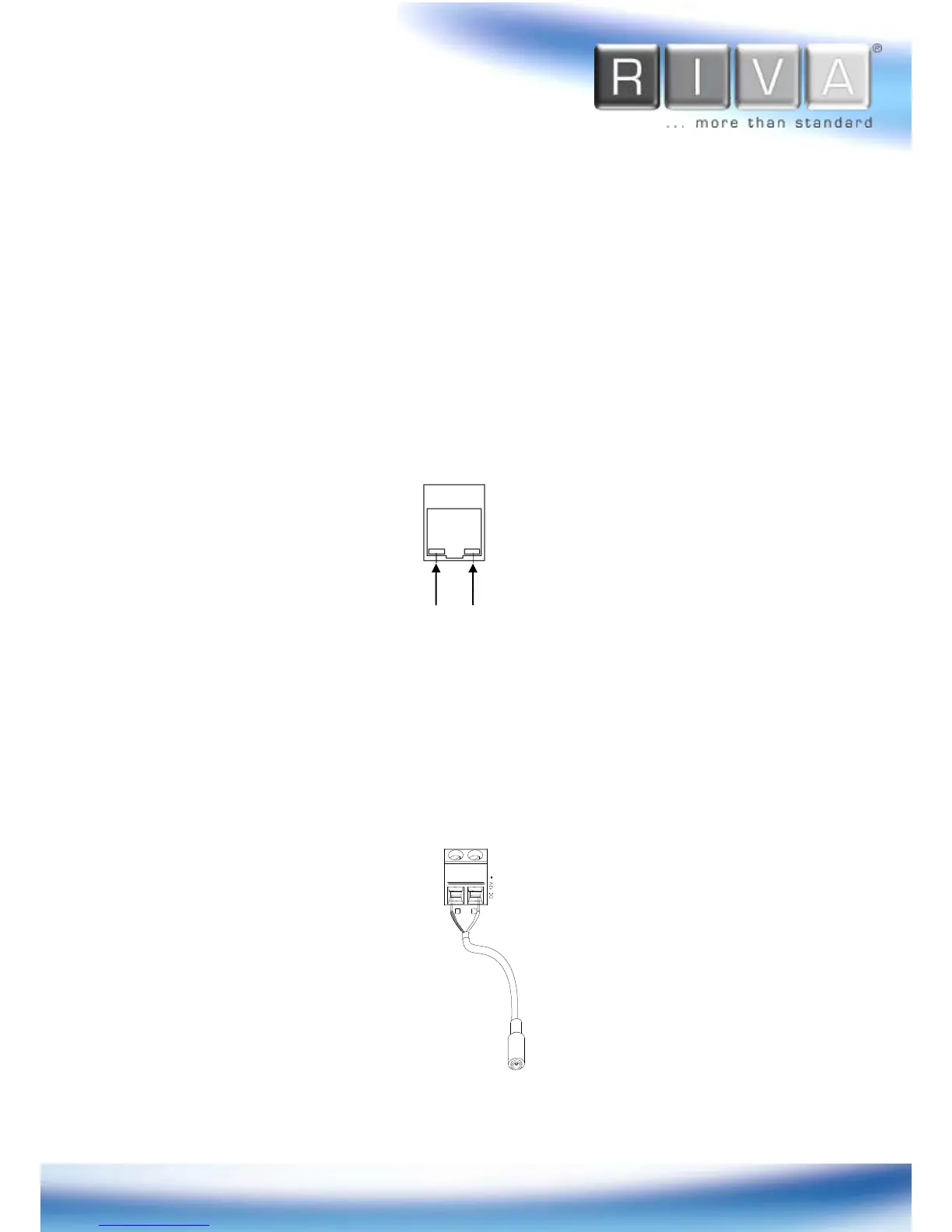
Network Connection
Use the Ethernet cable (RJ45) to connect the device to a hub or router in the network.
When the LAN cable is connected, the orange LED light will become solid and green
LED will blink every 250 millisecond.
Power Connection
The camera can be powered from either 12VDC or PoE. If the camera is powered via
PoE, refer to
Appendix (B). Power over Ethernet
for more details. To operate your
camera using 12VDC, make sure the polarity is correct before connecting the power
cable. Incorrect connection may cause damages to the IP device.



 To Next Page