RTC Series RTC Installation Guide
01A.04 14
5.2. View video on web page
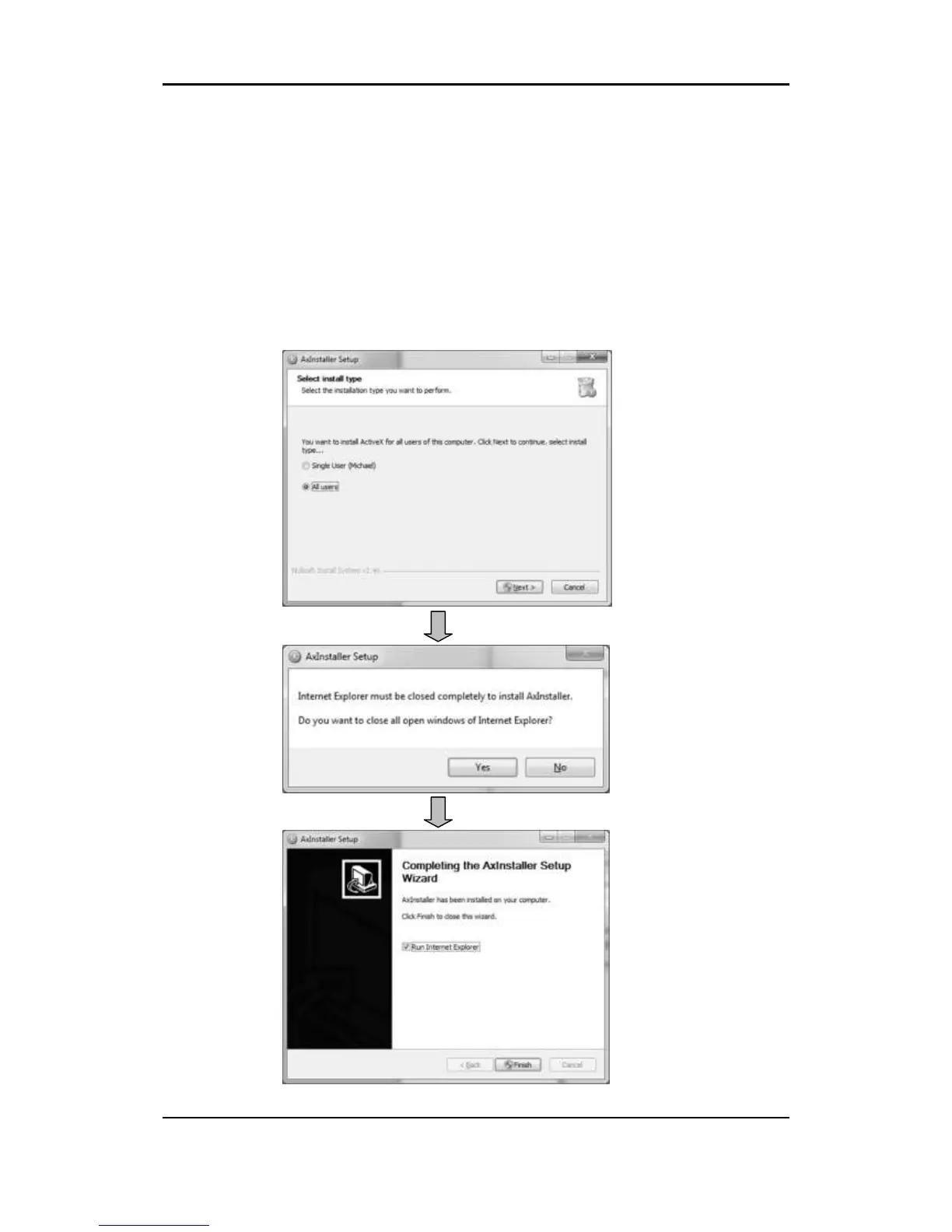
Once the device has the proper IP address, users can view the live streaming
images through a web browser. ActiveX needs to be installed in Microsoft
Internet Explorer.
1. Type the correct IP address in the Microsoft® Internet Explorer
2. Grant the web browser’s AxAll.cab ActiveX setup and proceed with
installations.



 To Next Page