7.
Accessories
7.1
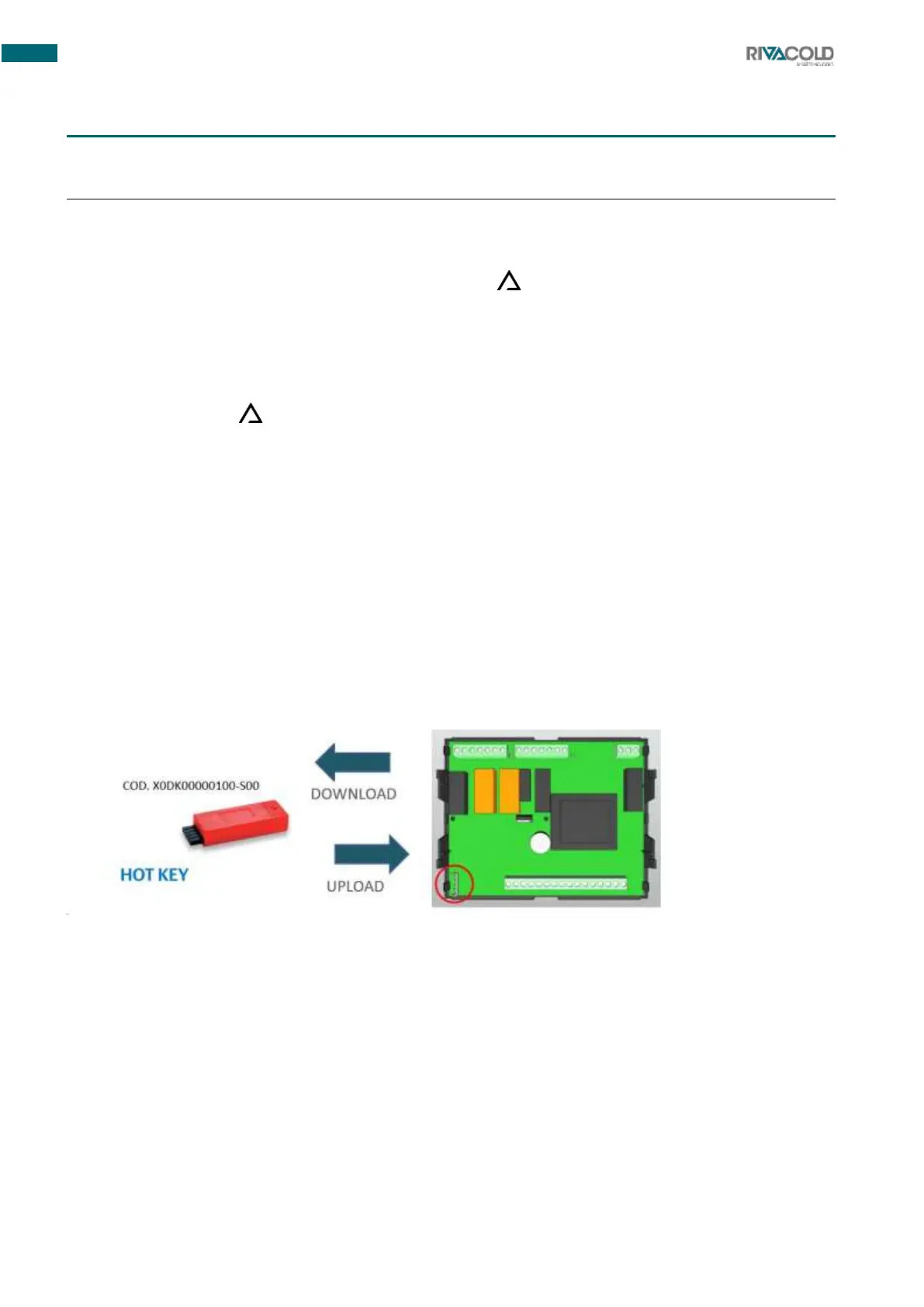
Programming key
7.1.1
Programming the key
1.
Set the controller programmed with the desired values.
2.
Insert the key with the controller switched on, then press .
The key programming operation starts. The display shows flashing uPL .
3.
When finished, the instrument displays for 10 sec:
o
End if programming was successful.
o
Err if programming failed.
Note: Pressing the button restarts programming.
7.1.2
Programming the controller
To programme the controller with a previously programmed key, proceed as follows:
1.
Switch off the instrument or put it in stand-by via the keyboard.
2.
Insert the programmed key.
3.
Switch on the instrument: automatic downloading (DOWNLOAD) of data from the stick to the
instrument begins. The display shows doL flashing.
4.
When finished, the instrument displays for 10 sec:
o
End if programming was successful and adjustment starts again.
o
Err if programming failed.
Note: repeat the operation or remove the key to start with normal adjustment.



 To Next Page