Instructions for useRev.v. 01
|
9600- 0099
|
© 2022 RIVACOLD srl
2.
Interface
2.1
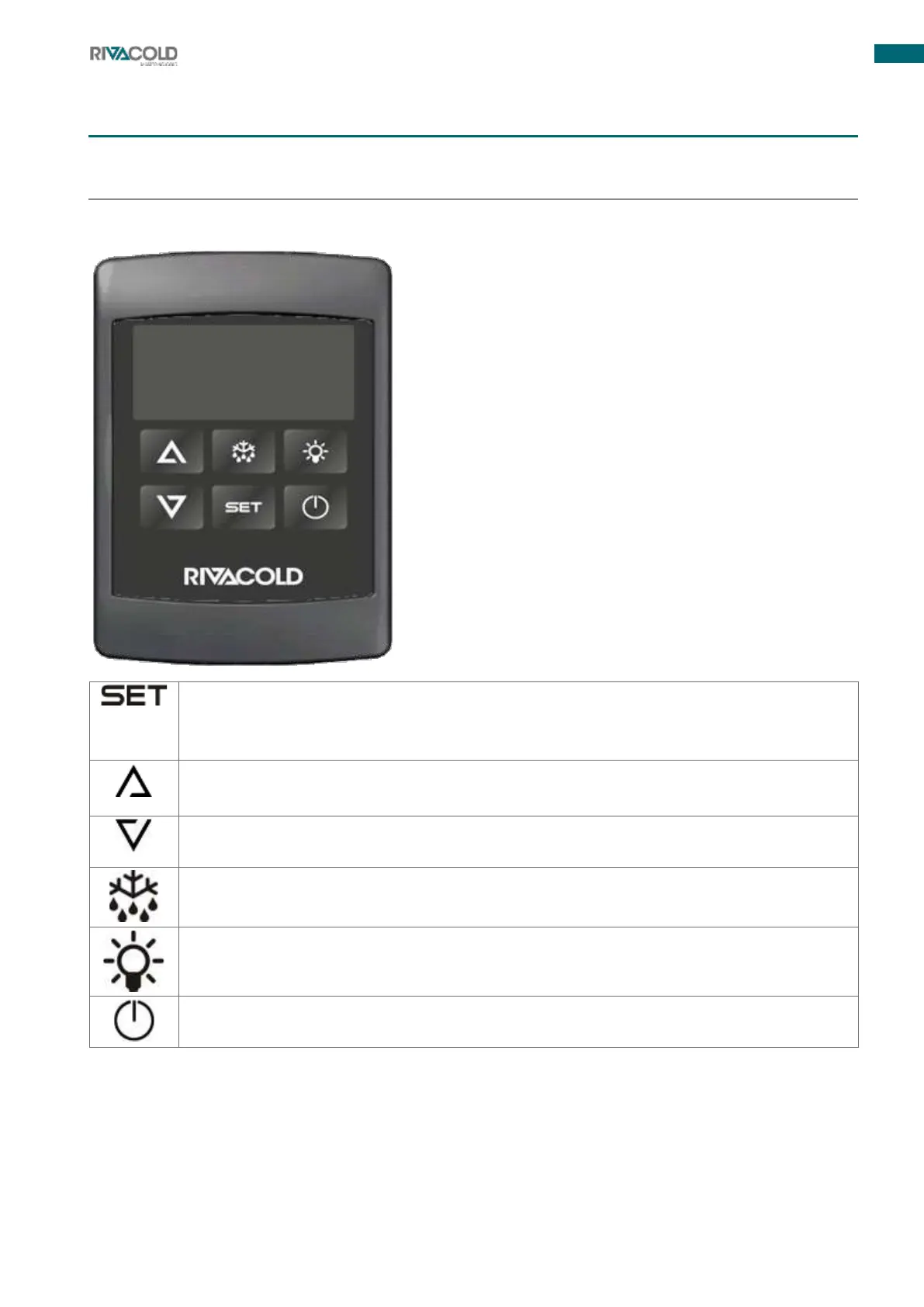
Control panel
2.1.1
Button description
To view and change the set point. In programming, it allows parameters to be selected and an
operation to be confirmed.
Pressing and holding the button for 3 s when the maximum or minimum temperature is
displayed resets the adjustment.
In programming, it allows parameters to be scrolled through and values to be incremented.
Pressing and holding the button for more than 3 s activates access to the section menu. Press
the button briefly to access the quick access menu
In programming, it allows parameters to be scrolled through and their values to be decreased.
By briefly pressing the button, the relay configured as auxiliary (AUS) can be activated or
deactivated
Press and hold the button for 3 s to activate manual defrosting
Allows the light to be switched on and off
Holding the button down for about 3 s switches the instrument from ON to OFF and vice versa.



 To Next Page