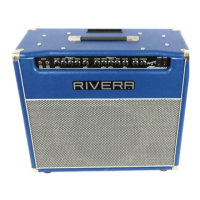
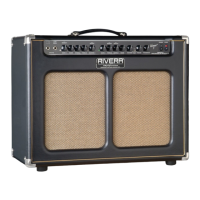
“Clean Electric”
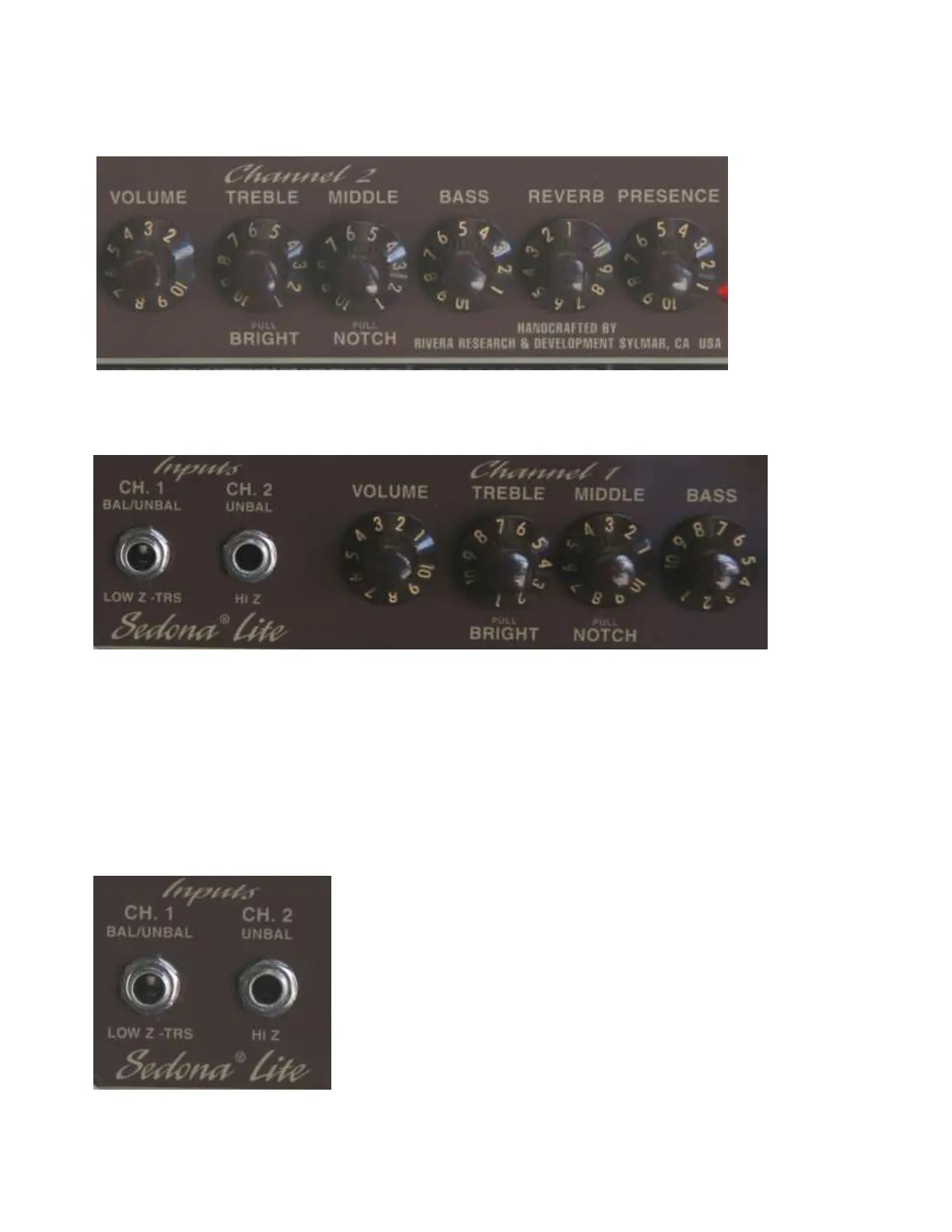
Plug into input 2 for CHANNEL 2
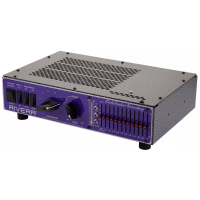
If using a Taylor T5 (T5’s have a balanced output) use input 1 for Channel 1 with a TRS to TRS
cable.
“Clean Acoustic”
Turn on Tweeter (switch is located on the rear panel next to the tweeter jack).
(If using a Taylor with the Expression system plug into Input 1 for Channel with TRS to TRS cable)
F R O N T PA N E L
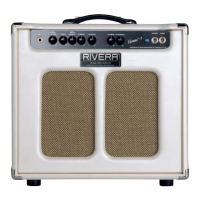
Channel 1-Bal/Unbal input
This features a balanced or unbalanced input depending on the cable or instrument you use. If your
instrument has a balanced output like most Taylors with the Expression System, then you’ll want to
use a TRS to TRS cable (tip-ring-sleeve or also called stereo cable). You can also use Channel 1
for a Mic. Use a XLR to TRS cable when using a Mic. You can also use a non-balanced cable
when using a non-balanced instrument like most electric or acoustic guitars.


 To Next Page