Operator’s Guide Appendix I
002-5564 RJS, Minneapolis, MN
Appendix I (Computer Mode)
Output Data
When the Computer is enabled during Setup, as an
output device, the data is output in a format that a PC
can receive.
Either
Text Analysis (text) data (See figure I-2)
OR
Text Analysis (text) data (See figure I-2) AND
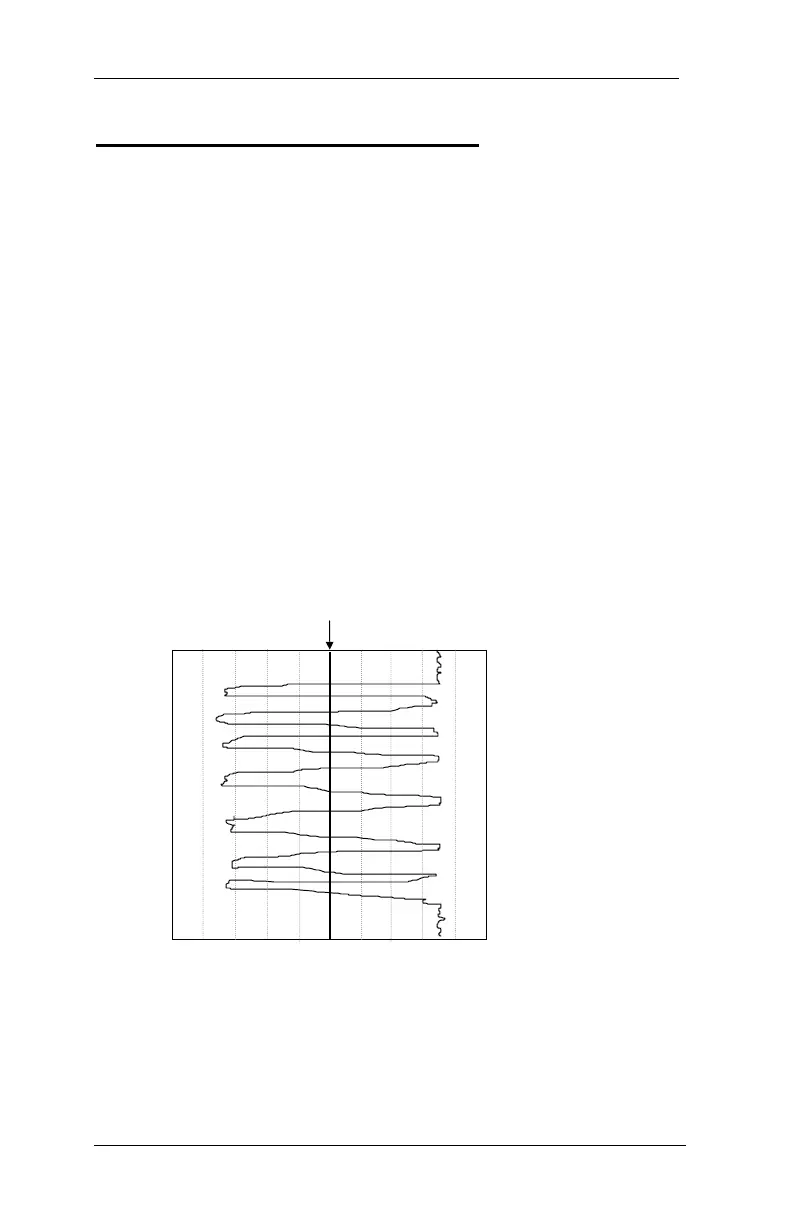
Analog Scan Profile (graphic) data (See figure I-1)
will be output, depending on your printout selection
Figure I-1
Analog Scan Profile
Figure I-2
Inspector D4000A
0% +++++++++ Global Threshold +++++++ 100%
(Dark)
(Light)



 To Next Page