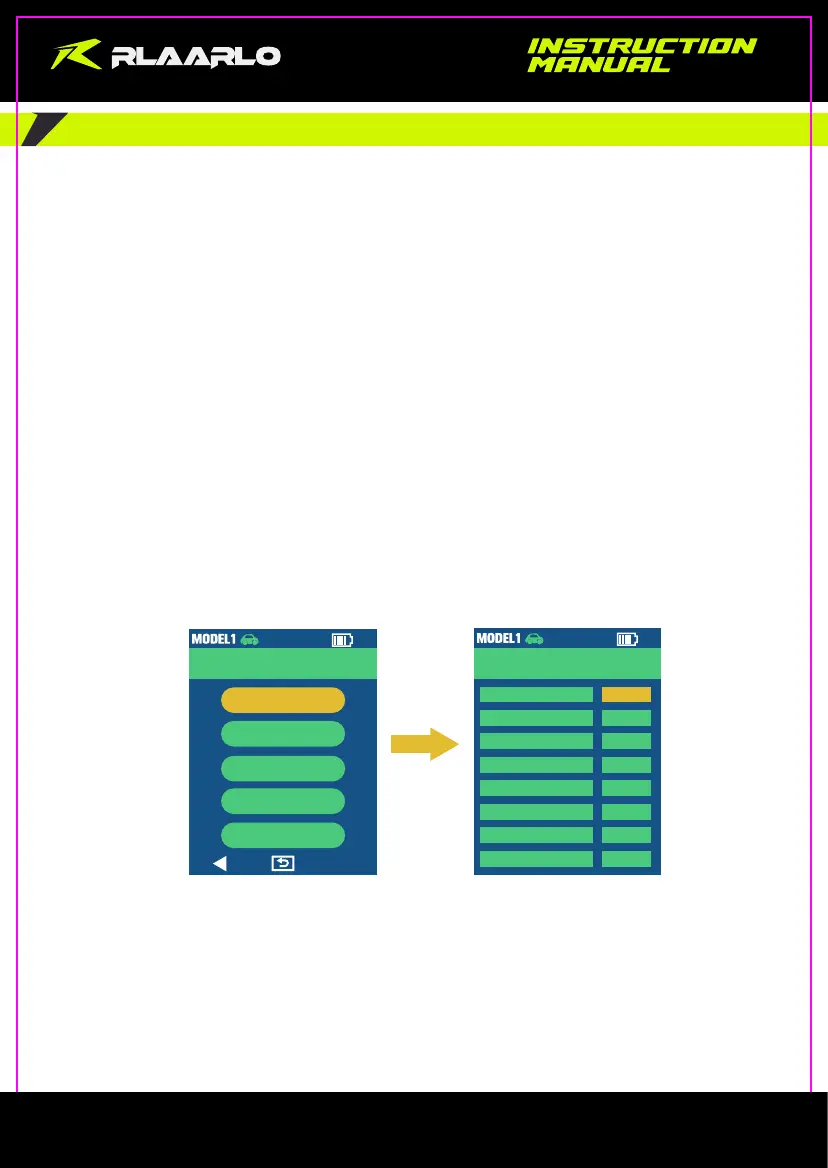
5.9 Battery setting
Enter the Battery Setting interface through “System”--> “Battery Type”--> “AUTO” / “4AA” / “2S ” / “1S ”
The transmitter can be powered by 3 types of batteries: 4 pcs of AA batteries / 2S Lithium battery / 18650 battery.
Please pay attention to the positive and negative poles when installing the batteries, and the transmitter has a
battery reverse protection function.
When transmitter’s battery is low, the power indicator light flashes and alarms. Please replace the battery
immediately; if not, you might not power on the transmitter.
2S/2.54 terminal interface is reserved in the transmitter’s battery compartment for directly using 2S Lithium
battery.Do not use lithium batteries with a voltage higher than 2S!
When installing 18650 battery, you can recharge the battery with the Type-C port. Do not leave the product without
any supervision when charging.
DEFINITION:
AUTO: the transmitter indentifies the battery type automatically; under the “AUTO” mode, the system of transmitter
can combine 2 of the power methods to power for prolonging the play time; one is powered by 4 AA Batteries and
18650 Lithium Battery together, another is 2S Li-Battery and 18650 Lithium Battery.
4AA: The transmitter only can identify the AA battery;
2S: The transmitter only can identify the 2S Li-battery;
1S: The transmitter only can identify the 18650 battery;
System Setup
Battery Type
AUTO
ReminderMode
BOTH
LCD Bright
70%
Sleep Bright
10%
Sleep Time
30sec
Language
EN
Shutdown
ON
Setup Lock
OFF
System
System
Joystick
Timer
About
Reset
5 / 5
- 9 -



 To Next Page