33
Shuffl e tracks
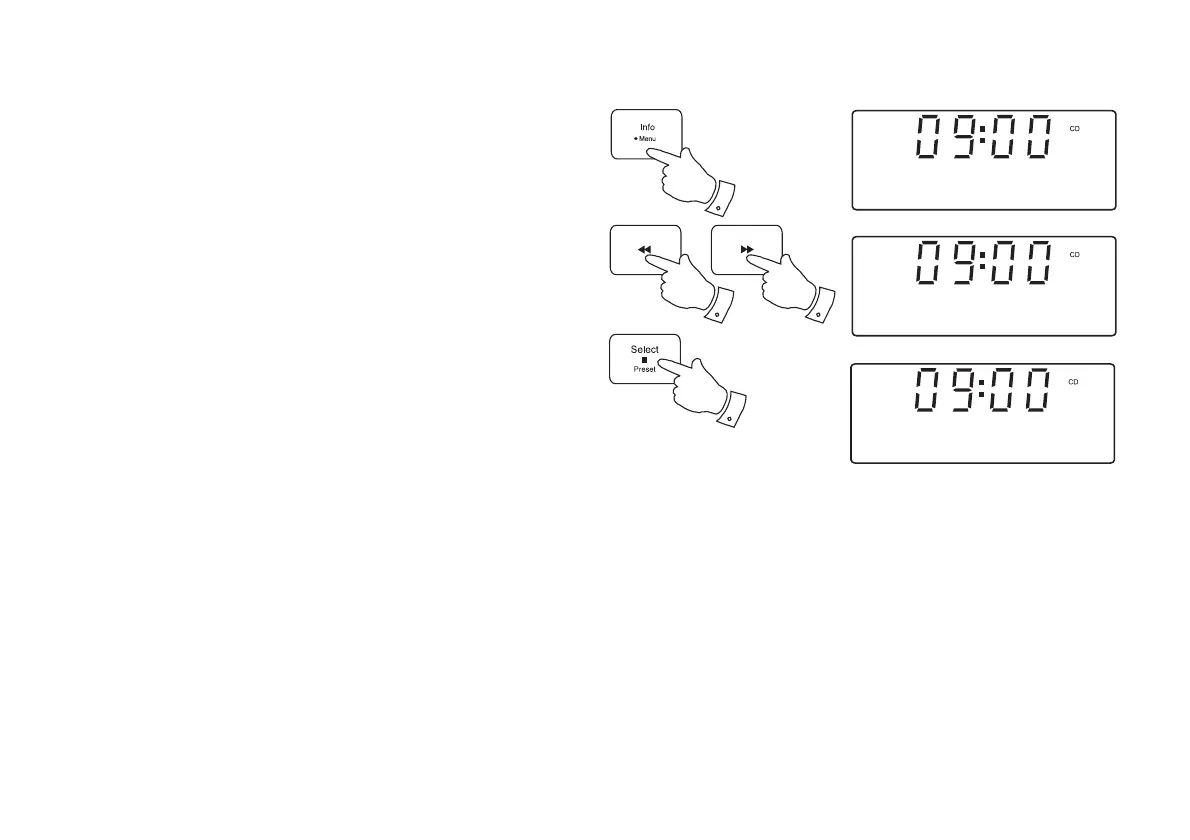
1. While the CD is playing, press and hold the Menu button.
2. Press the Tuning Up or Down buttons until 'Shuffl e' shows on the
display. Press the Select button to enter the shuffl e options menu.
3. Press the Tuning Up or Down buttons until the required shuffl e option
shows on the display and then press the Select button to confi rm the
setting.
Off - The shuffl e function will be disabled.
On - All tracks will be played in random order.
Selecting the shuffl e option will cancel any repeat setting if previously
applied.
Pressing Stop or ejecting the CD will cancel any repeat or shuffl e
setting.
2,3
2,3
2,3
1
04 01:44 SHF
<
>
Shuffle
On
<
>
Shuffle


 To Next Page