31
Language function
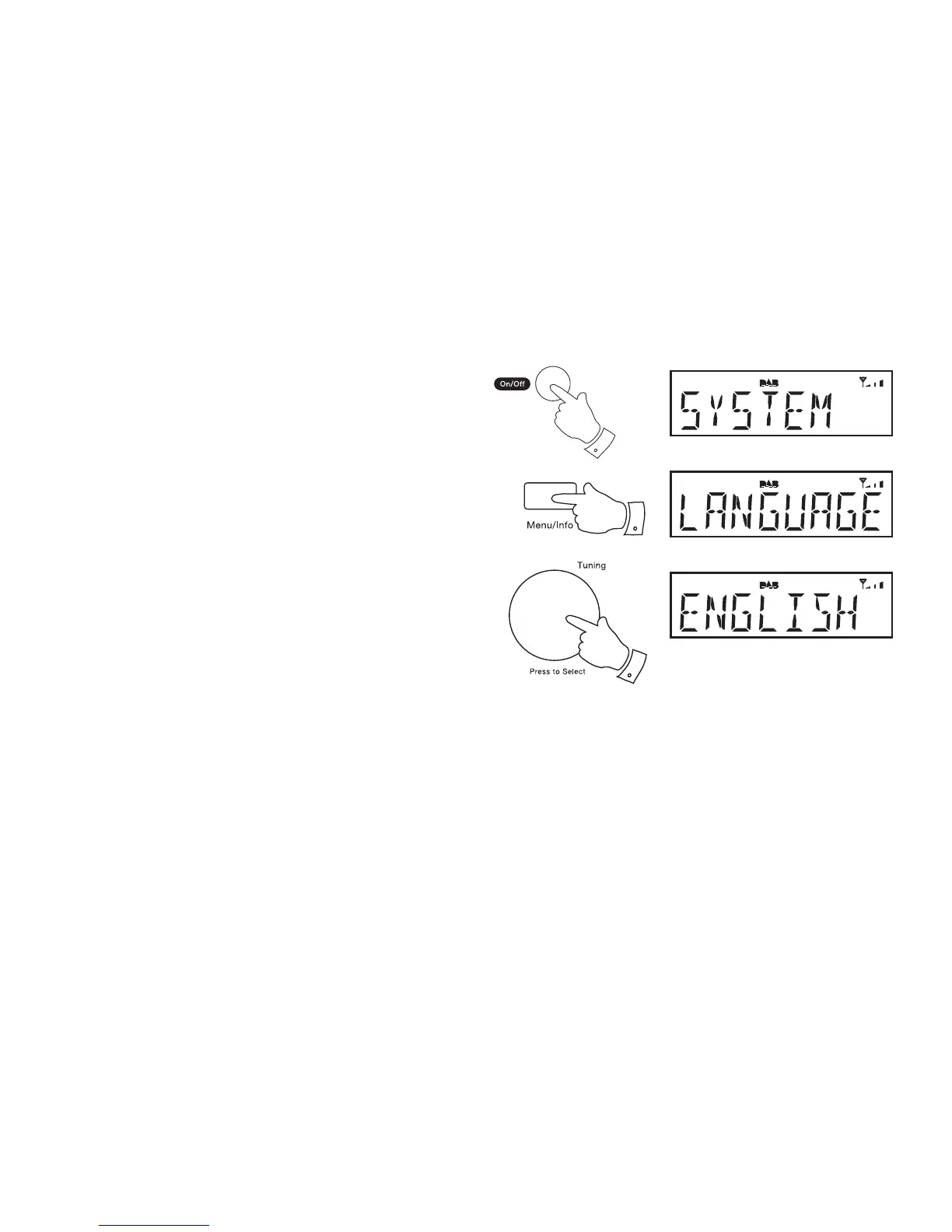
Your radio can be confi gured to a different language. Ensure your radio
is switched on.
1. Press and release the On/Off button to switch on your radio.
2. Press and hold the Menu button.
3. Rotate the Tuning control until 'SYSTEM' shows on the display.
4. Press and release the Tuning control.
5. Rotate the Tuning control until 'LANGUAGE' appears on the display.
6. Press and release the Tuning control to enter the language adjustment
menu.
7. Rotate the Tuning control until your desired language appears on the
display.
8. Press and release the Tuning control to confi rm your choice. The
display will change to the chosen language.
3-8
2
1



 To Next Page