29
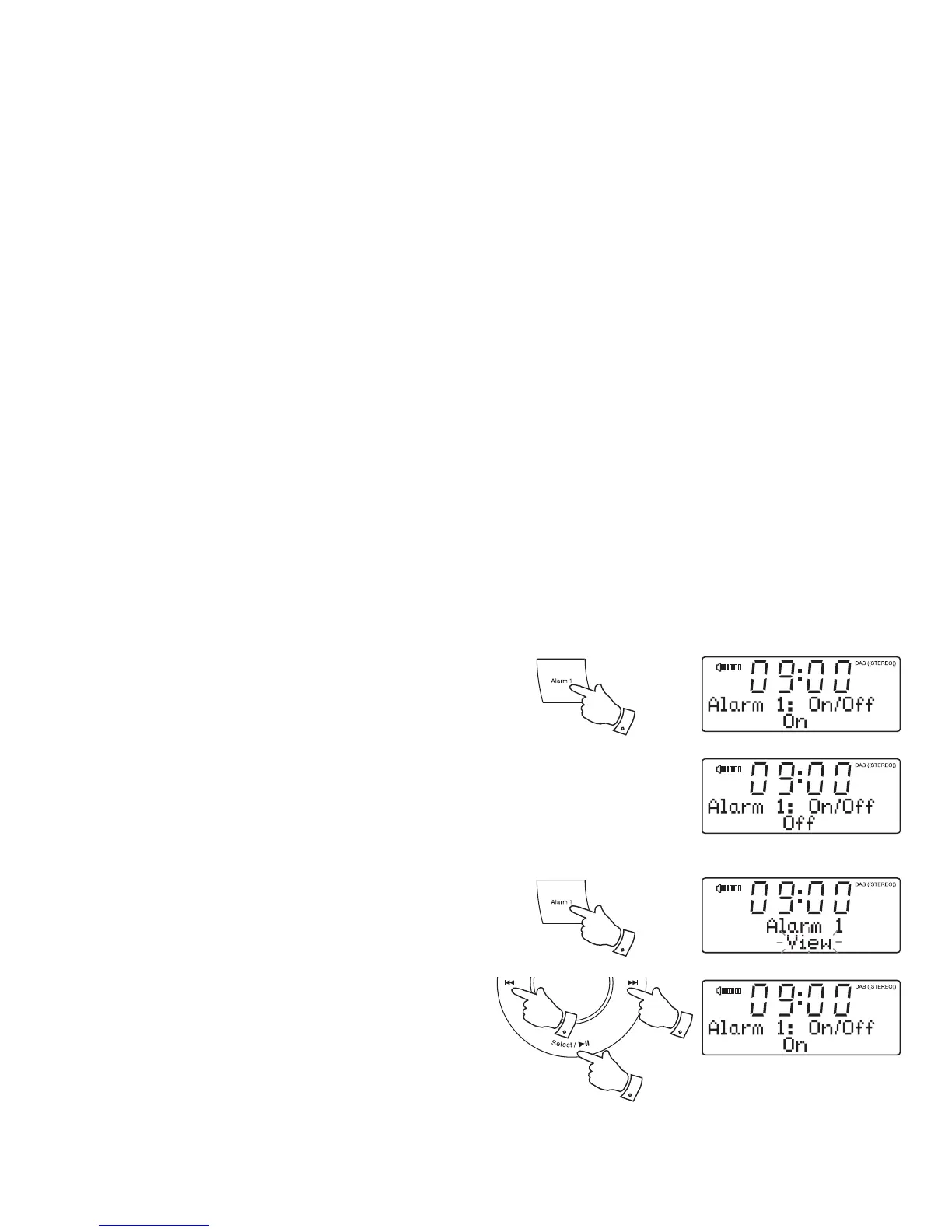
To view the alarm settings
1. Press the Alarm 1 or 2 button.
2. Press the Tuning Up or Down buttons until 'View' shows on the display.
3. Press and release the Select button to enter the alarm setup.
4. Your clock radio display will automatically cycle through each of the
settings for the chosen alarm.
1
22
3
Controlling alarm status
When your clock radio is in standby or when it is in use, the alarms can
be controlled using the Alarm buttons. This avoids the risk of disturbance
to someone who is asleep.
1. To change the states of the alarms press and hold the Alarm 1 or 2
buttons as needed. The display will cycle through alarms on or off.
2. To change the alarm settings, press and release the Alarm 1 or 2
buttons. This will cause the alarms menu to be displayed (see page
25 step 1 onwards).
1,2














 To Next Page