25
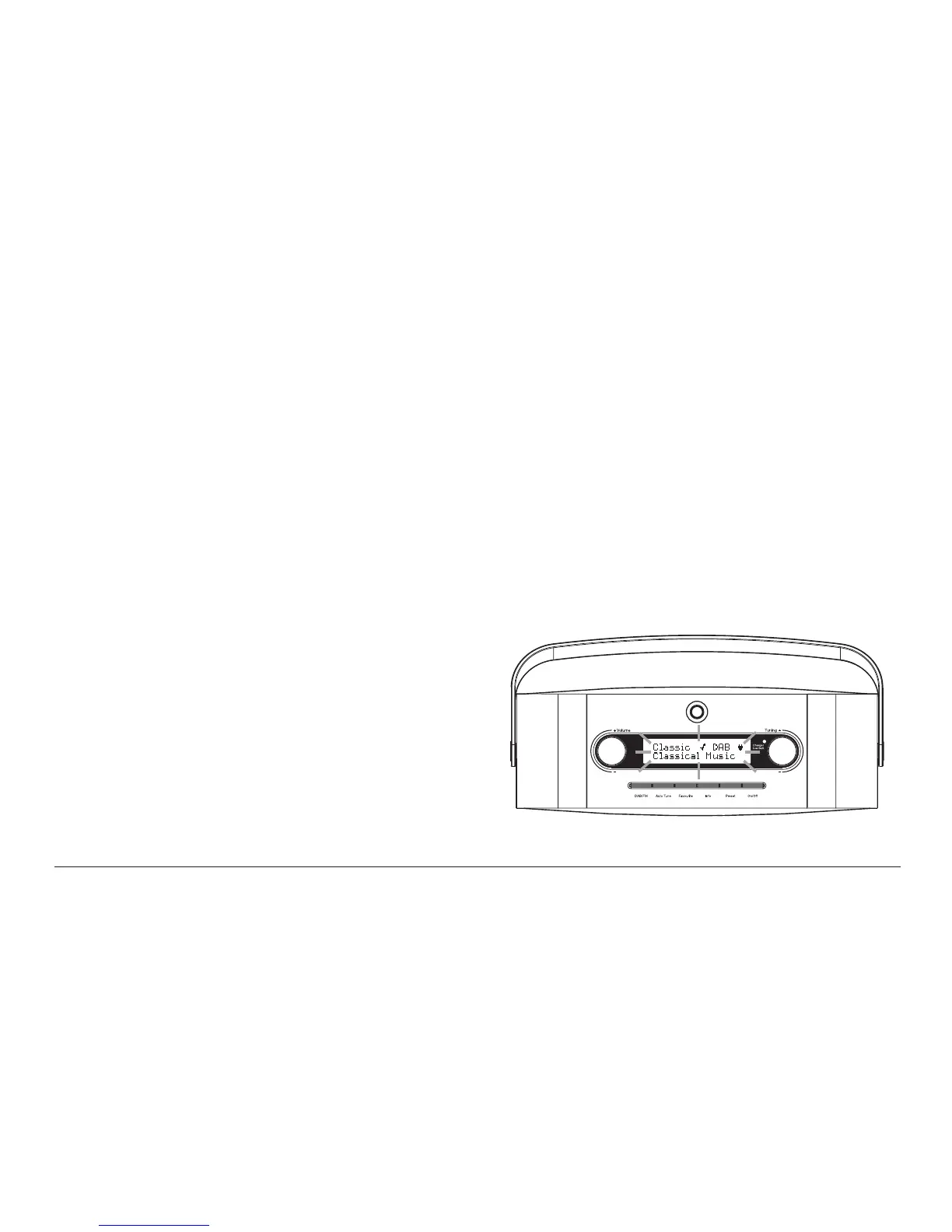
Display backlight
1. When using the radio powered from batteries, the display backlight
will be switched on for approximately 12 seconds when any button is
pressed.
2. When your radio is powered by the AC mains using the supplied mains
adaptor the display backlight will always be on whenever the radio is
switched on.
USB socket for software upgrade
A USB socket is provided at the rear of your radio for service use only to
permit the possibility of updates to the internal software in the future.
If you register your product at www.robertsradio.co.uk/register and
include a valid e-mail address you will receive notifi cation of software
updates.












 To Next Page