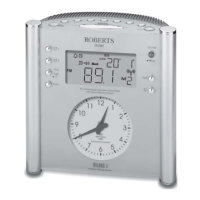
If you need any further advice, please call our Technical Helpline on :-
020 8758 0338 (Mon-Fri)
26
To view the alarm settings
1. Press and release the Alarm button to enter the alarm setup.
2. Rotate the Tuning / Select control to view alarms 1 or 2.
3. Press and release the Tuning / Select control to cycle through each
of the settings for the chosen alarm.
Snooze function
1. When the alarm sounds, press any button other than the On / Off
button. This will silence the alarm for 5 minutes.
The display will show the Snooze symbol
. This sequence can be
repeated during the alarm period.
2. To cancel the Snooze function, press the On / Off button.
2
1
2,3


 To Next Page