Home
Roberts
Radio
R881
Page 23
Roberts R881 - Page 23
60 pages
Manual
Save Page as PDF
To Next Page
To Next Page
To Previous Page
To Previous Page
Loading...
If you need any further advice, please call our T
echnical Helpline on :-
0181 758 0338 (Mon-Fri)
3.
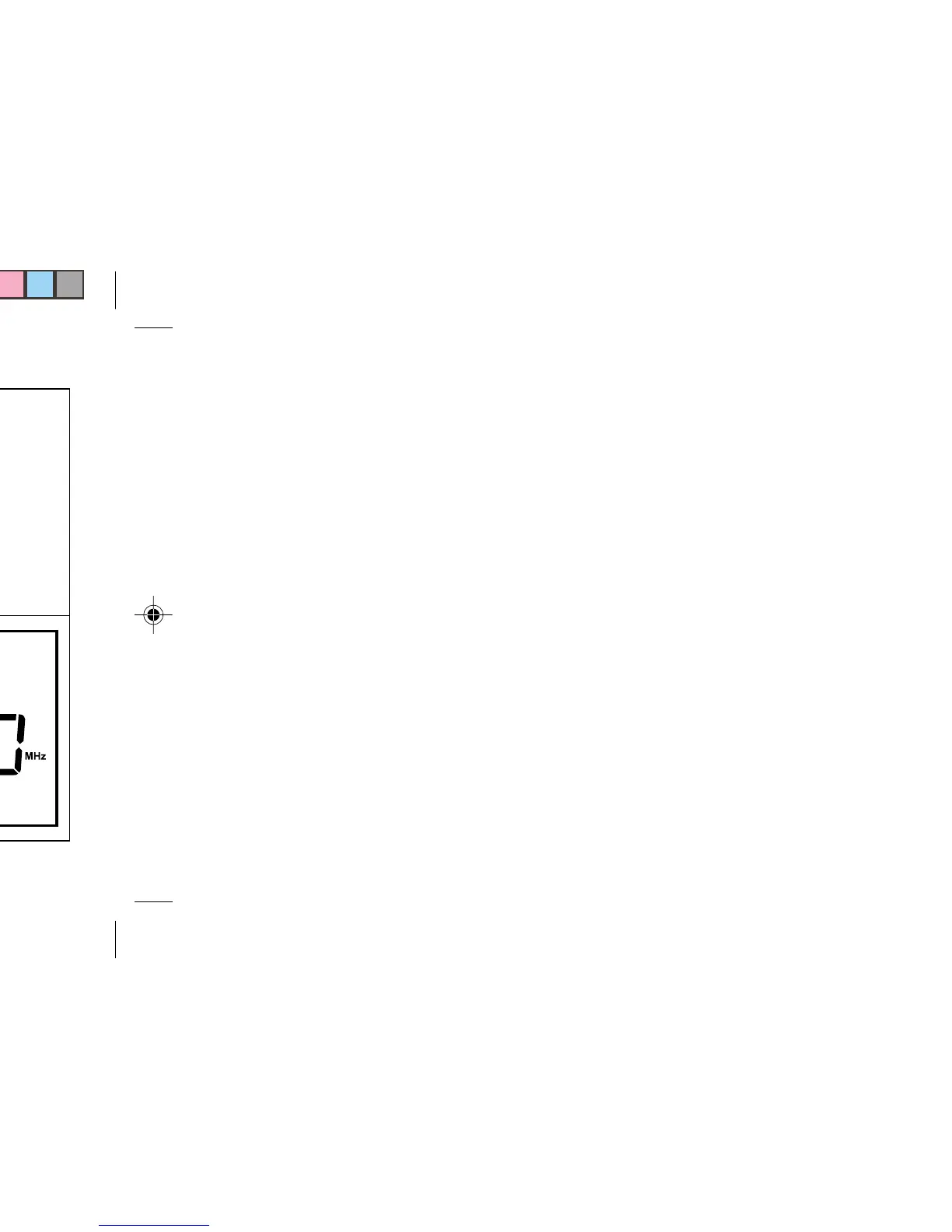
Press the buttons marked
1, 0, 0, 7
4
.
Press the button marked
"Enter"
, the frequency and
waveband will now appear in the display
.
21
22
24
Table of Contents
Main Page
Table of Contents
2
Features
3
Control Locations
4
Display Information
8
Installing Batteries
9
Battery Replacement
11
Using an AC Adaptor (Not Included)
12
Setting the Clock
13
Setting Dual Time
15
Zero Seconds Set
18
Waveband Selection
19
Tuning
20
Direct Key Pad Tuning
22
Manual Tuning
26
Scan Tuning
28
Memory Tuning
31
Overwriting a Station in Preset Memory
33
Recalling a Station from Preset Memory
34
Changing Preset Station Order
36
APS (Auto Preset System)
38
Direct Access to Shortwave Bands
40
Memory Scan
41
Setting the Alarm
42
Setting the Radio Alarm
43
Setting the HWS Alarm
46
Snooze Function
50
Setting the Sleep Timer
51
Mono/Stereo Switch
52
Display Backlight
52
Lock Switch
53
MW Step Size Switch
53
Headphones
54
Troubleshooting/Reset Button
55
Care and Maintenance
56
Specifications
57
Related product manuals
Roberts R809
48 pages
Roberts R871
12 pages
Roberts RD4
48 pages
Roberts R979
12 pages
Roberts RD-7
22 pages
Roberts RD-41
64 pages
Roberts RD-12
16 pages
Roberts R9917
44 pages
Roberts R9940
28 pages
Roberts RC828
38 pages
Roberts RD-27
22 pages
Roberts R9939
20 pages


 To Next Page