If you need any further advice, please call our Technical Helpline on :-
0181 758 0338 (Mon-Fri)
39
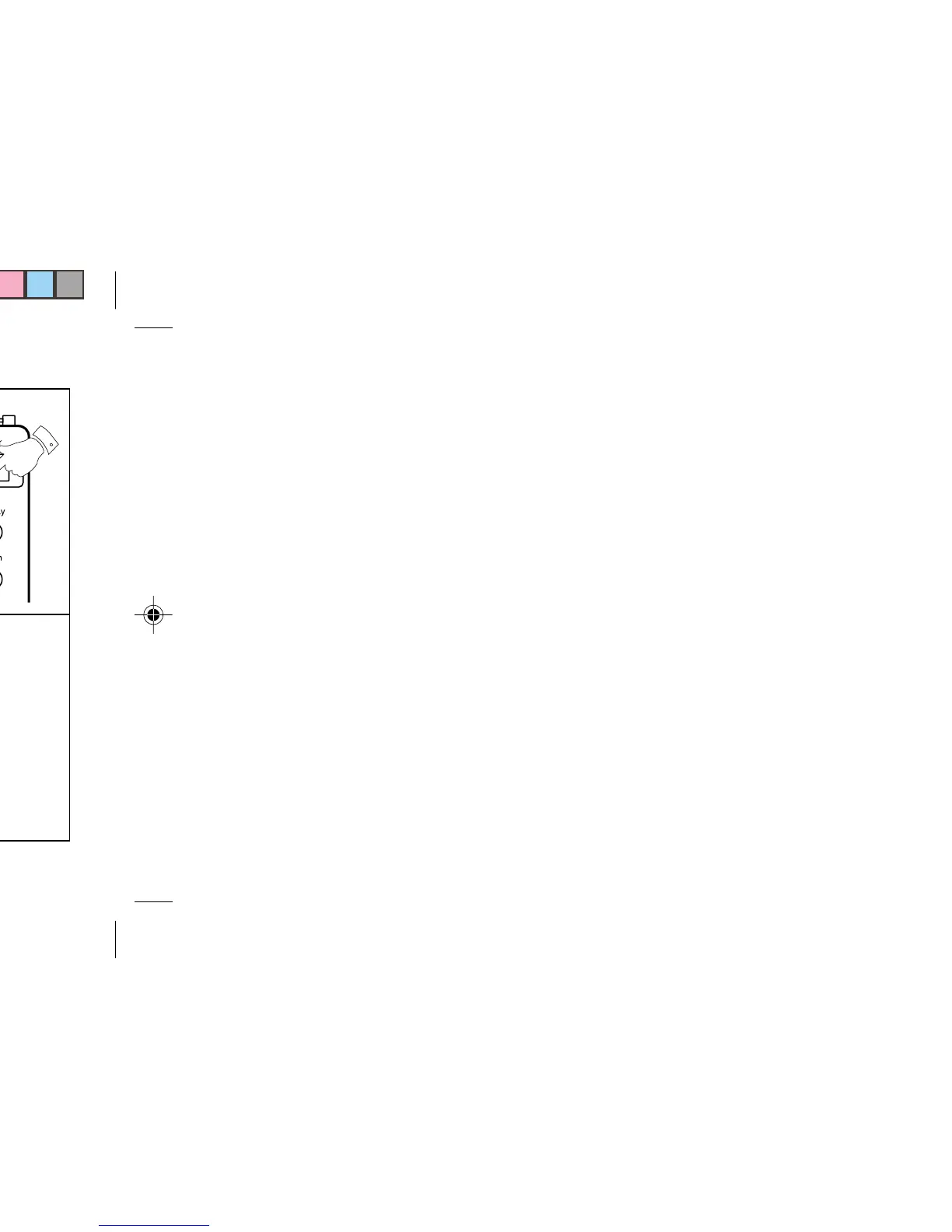
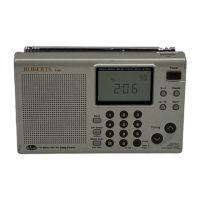
Memory Scan
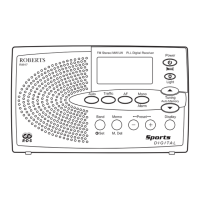
This radio provides a feature called Memory Scan which
when activated will scan the preset memories.
1. Turn on the radio by pressing the "Power" button.
Select the required waveband using the "Band" but-
ton.
2. Push the "Memory Scan" button, the radio will scan
each preset memory in turn - pause for 7 seconds on
each preset memory before continuing on to the next
memory. When the required preset/station is reached
press any button to stop memory scan.


 To Next Page