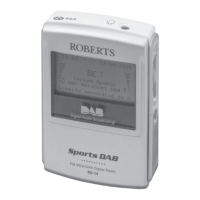
Display backlight
1. The display backlight will be switched on for 8 seconds whenever a
button is pressed. During Automatic Set Up, Demonstration and
Radio Text modes the display backlight will remain on.
Demonstration mode
Your radio is equipped with a demonstration mode which when active
highlights the main features available on your radio.
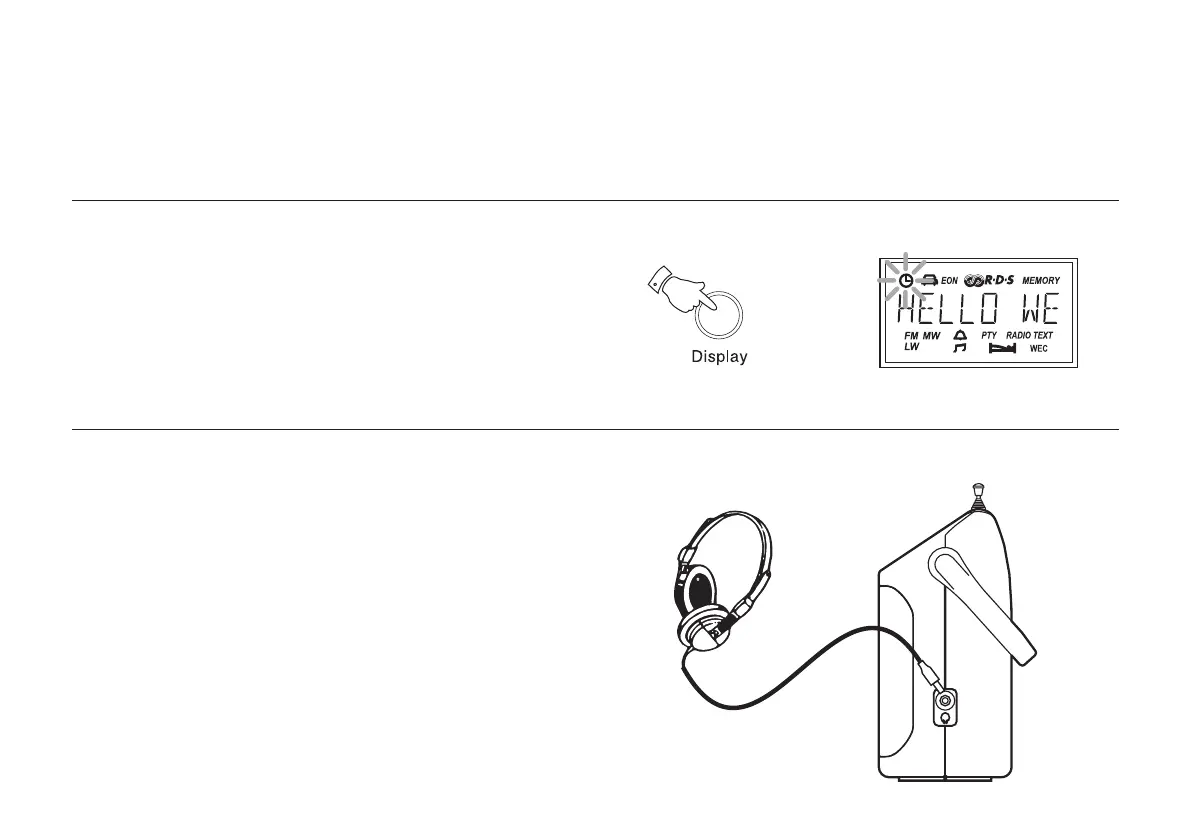
1. Press and hold down the Display button until the display enters
Demonstration mode.
2. Press any key to cancel demonstration mode.
Headphones
1. A Headphone Socket (3.5mm) located on the right hand end of your
radio is provided for use with either headphones or an earpiece.
Inserting the headphone plug automatically mutes the internal
loudspeaker.
20
r9999 instruction book.PMD 7/28/2005, 4:07 PM21


 To Next Page