24
iPod Remote Control operation (contd.)
7. Use the Previous or Next buttons on if you wish to change tracks.
Press and hold either to rewind or fast-forward playback as needed.
8. After listening to your iPod, press and hold the
Play / Pause button to switch
off. will then switch off your iPod. Alternatively, to listen to the
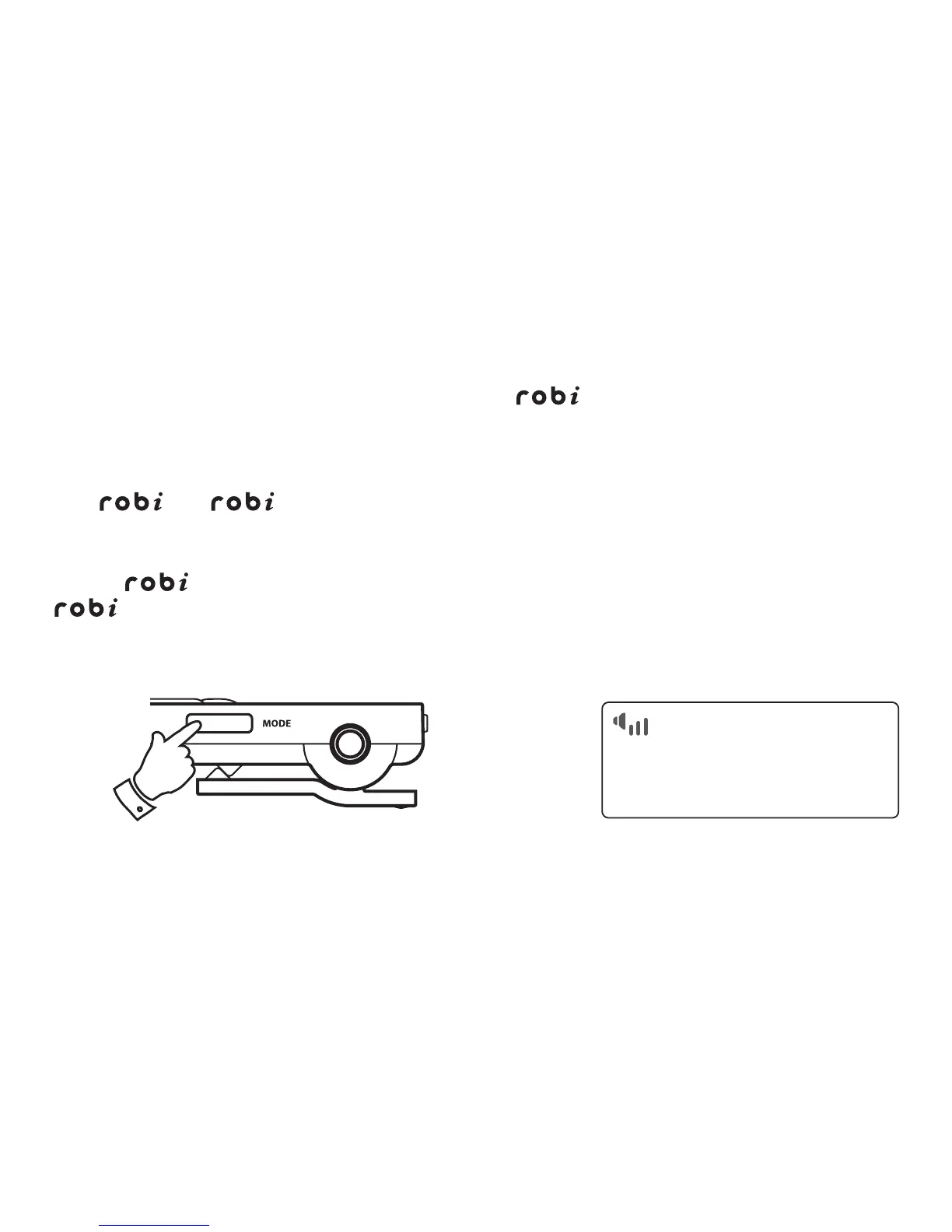
radio, use the Mode button to select DAB or FM radio mode.
Note -
can only adjust the volume when the headphones are plugged in to
. The Remote mode can also be used with headphones plugged into your
iPod, but then you must use your iPod controls to adjust the volume.
3



 To Next Page