51
Display modes
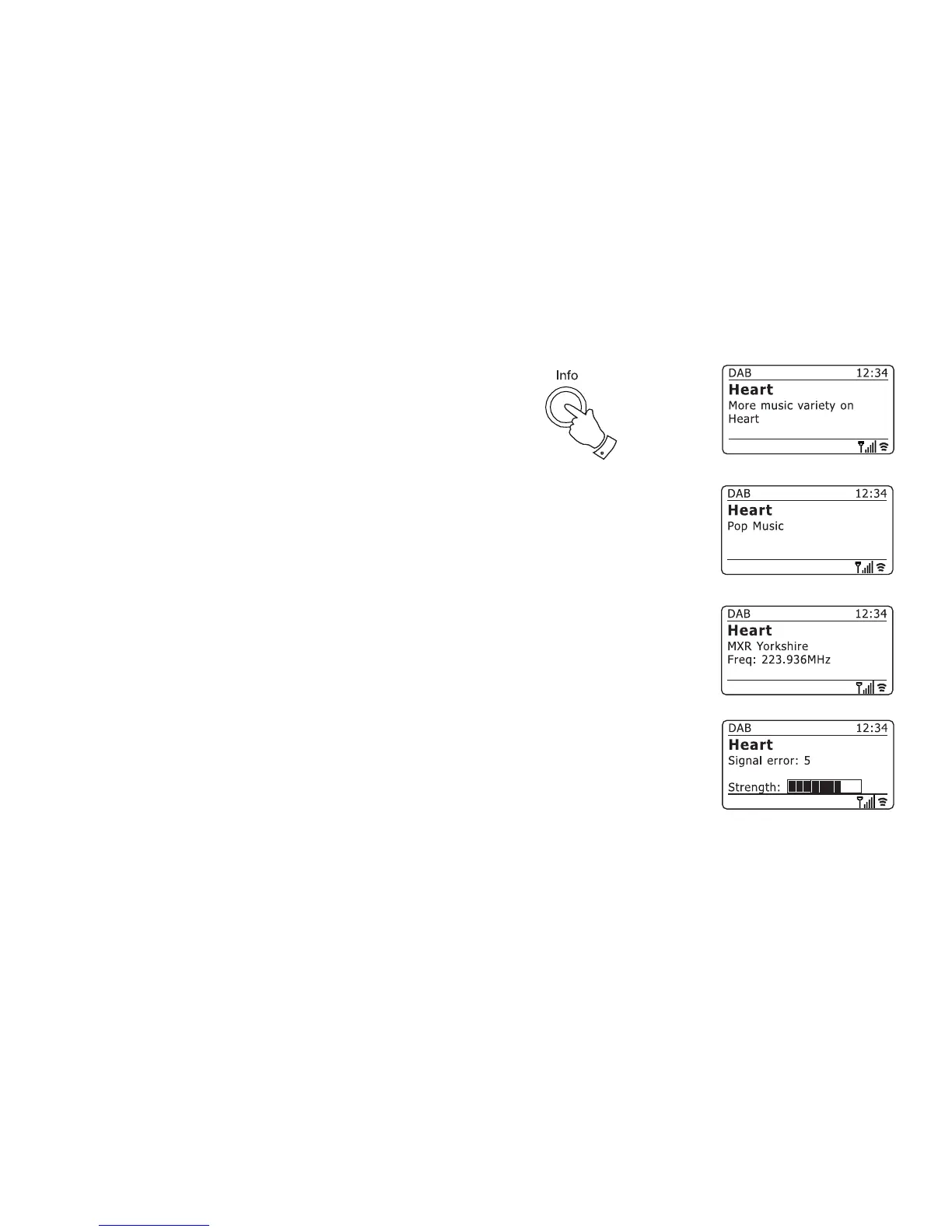
Your radio has a range of display options when in DAB mode:-
1. Press the Info button to cycle through the different options.
a. Text Displays text messages such as the
artist or track name, phone in number,
traffi c alerts, etc.
b. Program Type Displays the type of station being listened
to such as Pop, Classic, News etc.
c. Multiplex Name / Displays the name of the DAB multiplex
Frequency to which the current station belongs as
well as its broadcast frequency.
d. Signal error / strength Displays the signal error and strength
for the station being listened to. A lower
error number indicates a better quality
of radio signal. The signal strength
graph can be used when positioning
the radio or its antenna. For good
reception the graph should occupy
three or more blocks.
a
d
c
b
1



 To Next Page