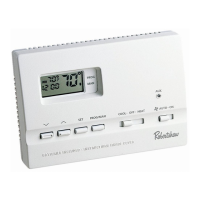
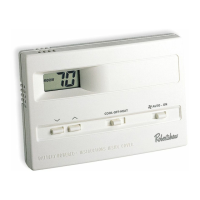
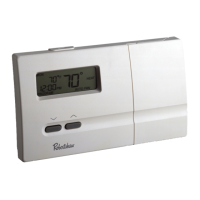
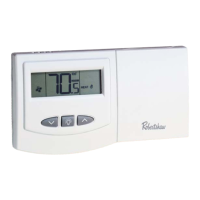
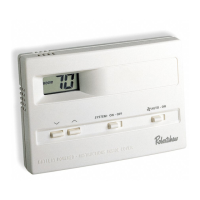
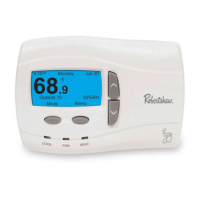
Features
• Four preprogrammed ENERGY STAR
®
setpoints for each day of the week
• Quickset™ programming for quickly programming all days of the
week simultaneously
• Energy Efficient Recovery (EER™)
• Residual cooling for added air conditioning efficiency
•Two AA ENERGIZER
®
brand batteries retain program memory,
even during power outages
• Low battery indicator
• Multi-colored LED indicators for system status
• Zone compatible as master thermostat
• Fahrenheit/Celsius display option
• Programmable from 45°F (7°C) to 90°F (32°C)
•Accuracy within ±1 degree
• Adjustable temperature differential: 1-3 degrees
•Maintains summer and winter programming
Step 1: Replacing Existing Thermostat
1. Turn off power to heating and cooling system.
2. Remove cover of old thermostat to expose wires. (Figure 1)
FIGURE 1
3. Disconnect wires one at a time from existing terminals. use
enclosed labels to mark existing wires. Refer to cross references in
Table 1 if existing wiring does not directly match the labels.
• If you have any questions about cross referencing the old terminal to
the new label, reference your equipment installation manual, a
licensed contractor, or call Robertshaw Tech Support (800) 445-8299.
4. Remove existing thermostat base from wall.
2


 To Next Page