Page 2 of 8
Rev 02 01/11/13
Recall of the previous 50 Time Readings
Automatic Lap/Split Counter . . . up to 999 Readings
Memory Recall Can be Presented in Either Ascending (1,2,3. . .) or Descending ( . . . 3,2,1) Order
Fastest and Average Lap Time Display
COUNTDOWN TIMER
Multi-Mode, Countdown Timer select from: Countdown Stop, Countdown Repeat or Countdown,
Count-Up
1/10 second resolution of time remaining
Set any time to countdown from one second to 16 hours
Loud audible completion alarm
Time-Out (pause) operation
Battery: Lithium type CR-2032 or equivalent
PART II
NORMAL TIME OPERATION
Press “C” until NORMAL TIME appears.
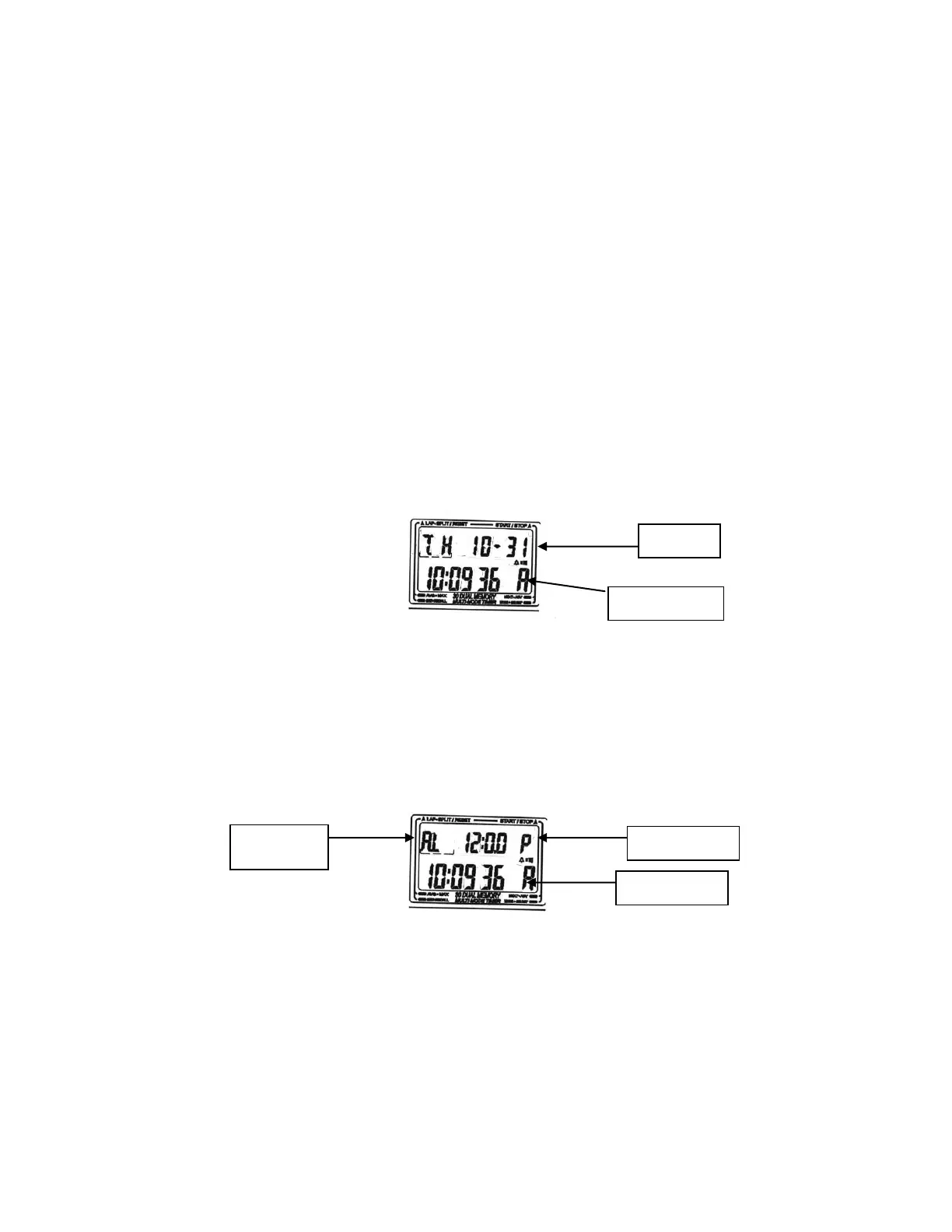
Time of Day is presented in Hours, Minutes and Seconds in the lower row. Calendar is presented in Day,
Month and Date, in the upper row.
Alarm Time Display
While in NORMAL TIME, press “B” to display the Alarm Time. “AL” will appear in the upper row of the
display to indicate the Alarm Time.
Setting NORMAL TIME and ALARM TIME
While in NORMAL TIME mode, press and hold “D” for 2-3 seconds. “SET” indicator appears. Alarm
hours will begin flashing. Advance Alarm Hours by pressing or holding “B”. After setting Alarm Hours,
Press “C”. Alarm Minutes will appear flashing. Advance by pressing or holding “B”.
Repeat the setting process for Seconds >>>> Hours >>>> Minutes >>>> Month >>>> Date >>>> Day of
the Week >>>> 12/24 Hour Option >>>> and back to Alarm Hours.
Pressing “D” at any time, will automatically exit the setting procedure. “SET” indicator disappears.


 To Next Page