07
A1
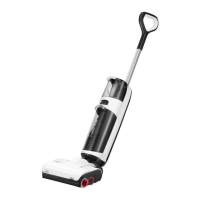
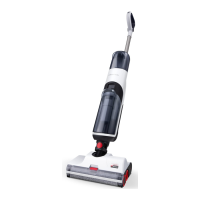
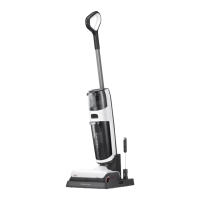
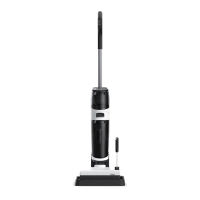
Wet and Dry Vacuum Cleaner
A1-1—Handle Release
A1-2—Clean Tank Release
A1-3—Clean Tank
A1-4—Handle
A1-5—Main Unit Release
A1-6—LED Display
A1-7—Main Unit
A1-8—Main Unit Handle
A1-9—Dirty Tank Release
A1-10—Dirty Tank
A1-11—Detergent Cartridge
A1-12—Detergent Cartridge Release
A1-13—Cleaning Head
A1-14—Front Rollers
A1-15—Rear Roller
Product Introduction
Product Installation
A
B
A2
Vacuum Cleaner
B1
Wet and Dry Vacuum
Cleaner Installation
B2
Vacuum Cleaner Installation
B1-1—
B2-1—
B2-2—
B2-3—
B1-2—
Self-Clean
Change Mode
Change Mode
Power
Power
Press: Standard mode
Press and hold for 2 seconds: DEEP mode
Press: Switch to AUTO/MAX/Floor Drying/
ECO mode
Press: Switch to AUTO/MAX mode
Press: Start/Pause
Press and hold for 2 seconds: Switch off
Press while charging: Start/Stop drying
Press: Start/Pause
Press and hold for 2 seconds: Switch off
Insert the handle into the vacuum body
until it clicks in place. The
button
should face forward.
Remove the main unit from the vacuum
cleaner: Press the main unit release
button with one hand while grasping
the handle of the main unit and forcedly
pulling it downward with the other hand.
Assemble the main unit and dustbin
combo unit: Put the filter of the dustbin
right side up and align the power port
of the main unit with the metal contact
on the dustbin. Then press the handle of
the main unit down until it clicks in place.
Connecting main unit and dustbin
combo unit with accessories.
To remove the handle, pull the handle
while pressing the handle release
button on the back of the vacuum body.
A3
Charging Dock and Storage
Stand for Vacuum Accessories
A4
Screen Functions
A3-1—Baton Holder Clip
A3-2—Maintenance Brush
A3-3—Power Cable
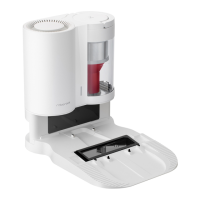
A3-4—Charging Dock Body
A3-5—Charging Port
A3-6—Charging Dock Tray
A3-7—Baton Holder
A3-8—Storage Stand for Vacuum Accessories
A4-1—Dirt Level
A4-2—ECO Mode
A4-3—Floor Drying Mode
A4-4—Battery Level
A4-5—WiFi
A4-6—Clean Tank Empty
A4-7—AUTO Mode
A4-8—MAX Mode
A4-9—Drying
A4-10—Self-Cleaning
A4-11—WiFi
A4-12—Charging
A4-13—Dirty Tank Full
A4-14—Error
Method 1: Connect the unit to a cleaning
head.
Method 2: Connect the unit to the baton
first, and then connect a cleaning head.
• Off: WiFi disabled
• Flashing slowly: Waiting for connection
• Flashing quickly: Connecting
• Steady on: WiFi connected
A2-1—Dustbin Release
A2-2—Dustbin
A2-3—Baton
A2-4—Multi-Surface Brush
A2-5—Motorized Mini-Brush
A2-6—2-in-1 Cleaning Head
B3
Installing the Charging Dock
B3-1—Align the charging dock tray with
the charging dock body, press down,
making sure they are firmly secured.







 To Next Page