Robustel GoRugged R3000 Wireline - 4 Ethernet Ports User Guide
RT_UG_R3000 Wireline- 4 Ethernet Ports _v.1.1.0 02.07.2015 71 / 116
Confidential
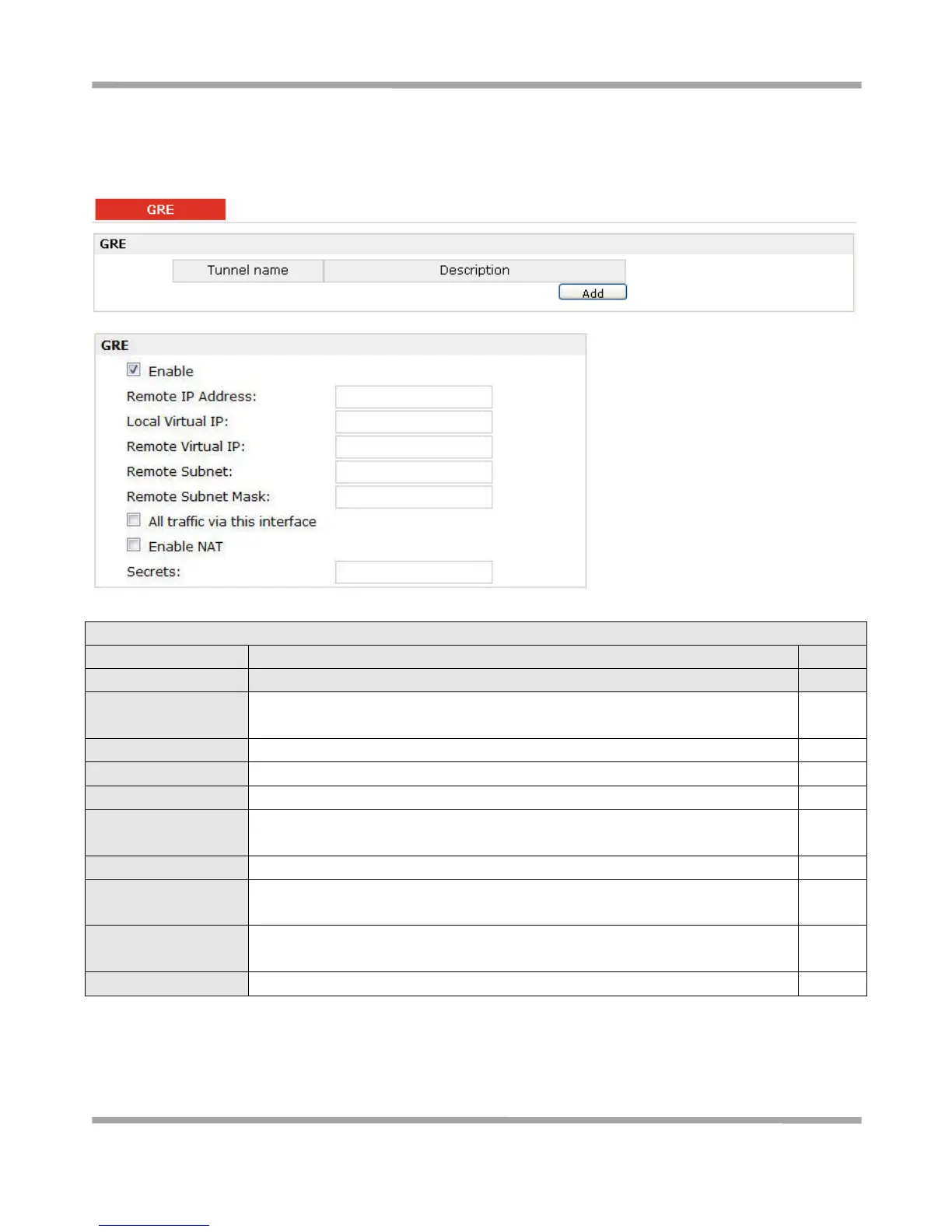
3.23 Configuration -> GRE
This section allows users to set the GRE parameters.
Click “Add” to add a GRE tunnel.
Click to enable GRE (Generic Routing Encapsulation). GRE is a protocol that
encapsulates packets in order to route other protocols over IP networks.
Set remote IP Address of the virtual GRE tunnel.
Set local IP Address of the virtual GRE tunnel.
Set remote IP Address of the virtual GRE tunnel.
Add a static route to the remote side’s subnet so that the remote network is
known to the local network.
Set remote subnet net mask.
All traffic via this
interface
After click to enable this feature, all data traffic will be sent via L2TP tunnel.
Tick to enable SNAT for GRE. The source IP address of host Behind R3000
Wireline will be disguised before accessing the remote GRE server.











 To Next Page