Robustel GoRugged R3000 Wireline - 4 Ethernet Ports User Guide
RT_UG_R3000 Wireline- 4 Ethernet Ports _v.1.1.0 02.07.2015 94 / 116
Confidential
One router has only one super user account. Under this account, user has the
highest authority include modify and add management user accounts.
Set Username and Password.
Specify the login timeout value. You need to re-login after this timeout of user
inactively.
One router has at most 9 common user accounts. There are two access level of
common user account: “ReadWrite” and “ReadOnly”.
Select from “ReadWrite” and “ReadOnly”.
ReadWrite: Users can view and set the configuration of router under this level;
ReadOnly: Users only can view the configuration of router under this level
Set Username and Password.
Click this button to add a new account.
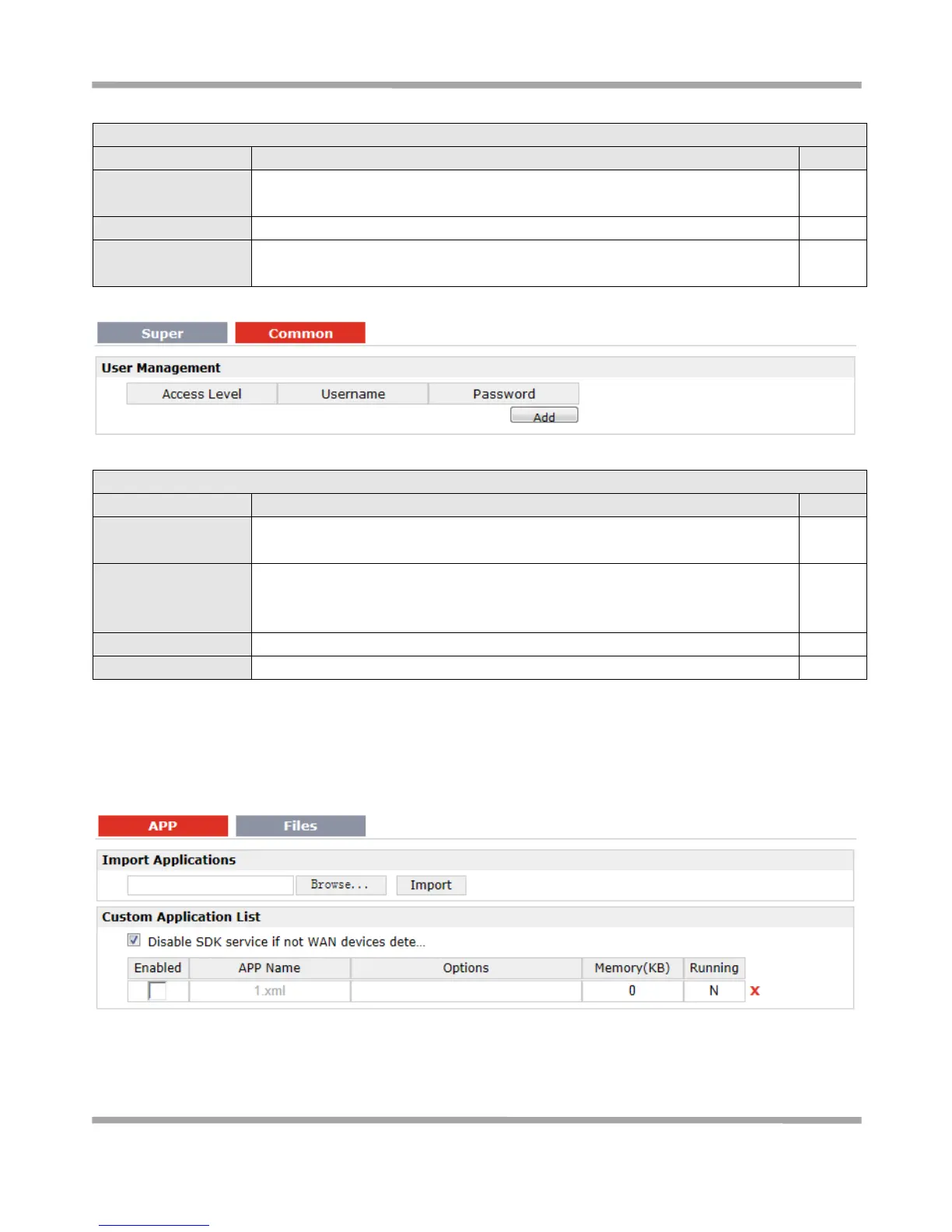
3.39 Administration -> SDK Management
This section allows users to set SDK Management parameters of router.











 To Next Page