2013 年 11 月 01 日
5.2 Photo and video
Photo
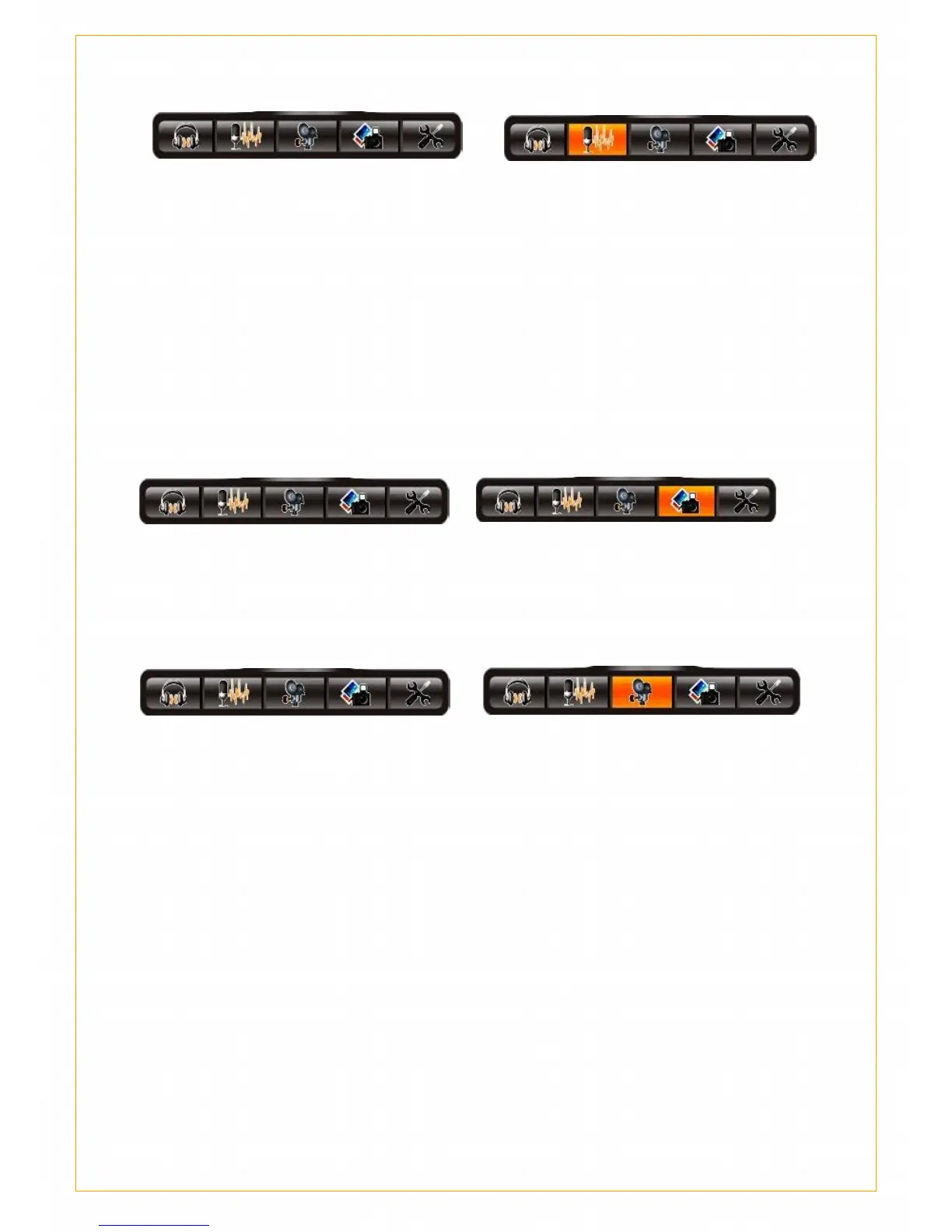
Left-click the photo button, the system will automatically capture the
current screen and jump a new window display pictures;
Note: If you do not jump out the window, because your current browser
may is prohibited to jump out the window, you can check in your browser
settings to allow pop-up windows;
Video
Click the video button by left key of mouse, when the icon becomes to the
one of right icon below, it means the camera is in a state of video.
Note: Video file is saved in Disc D, you can choose setting-system setting-
local video to change the route
5.3 Set and callout presetting bit
What is presetting bit?
When the user monitor the object through controlling monitor PTZ of
equipment terminal operation, the operator can set the monitor object to
presetting bit, he can set a window, a counter, a desk, enter and entrance
and the park to presetting bit; the presetting bit can save its current position
in terminal monitoring PTZ decoder by control device software operate.


 To Next Page