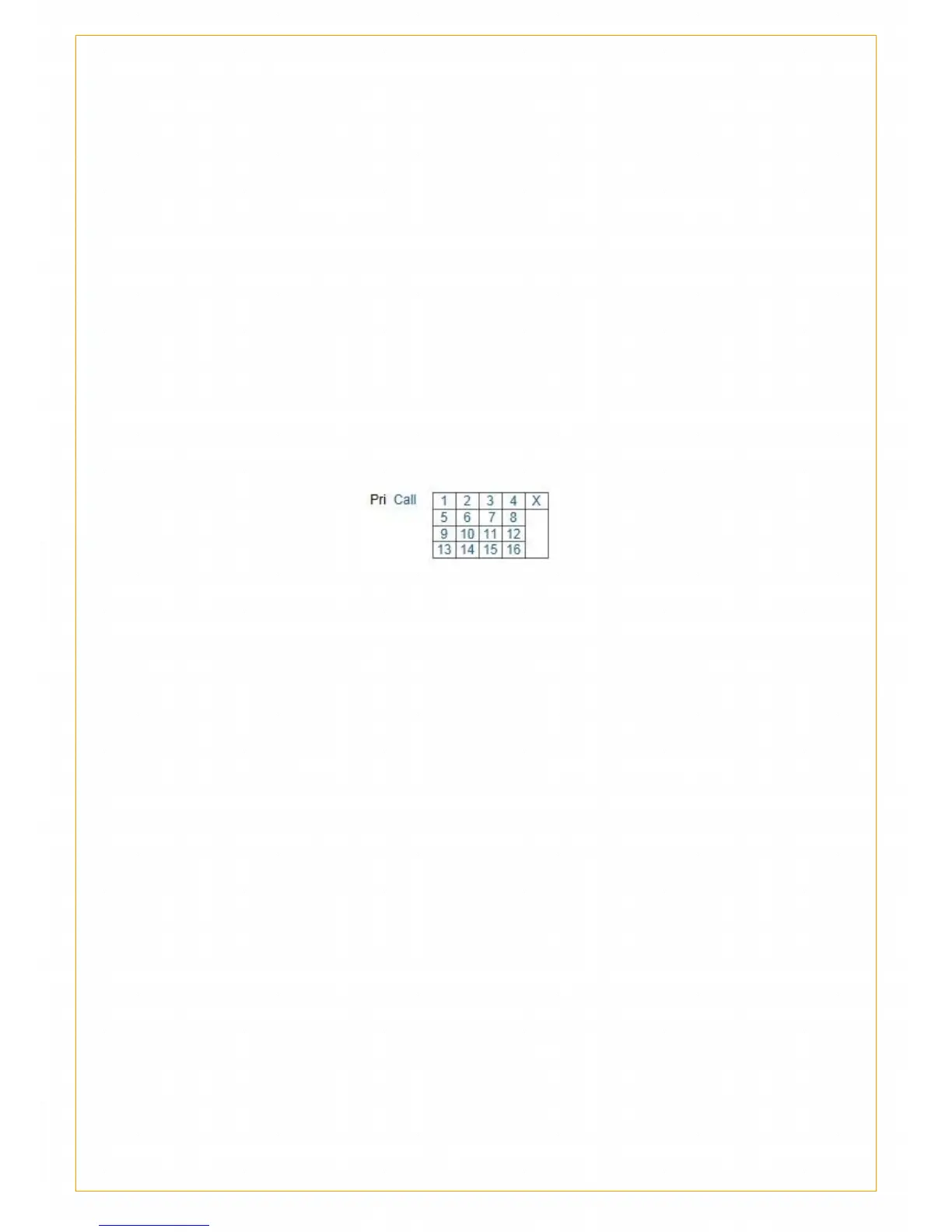
When the user need quick monitor the object, he can callout the position he
want to monitor by callout command of control device.
How to set presetting bit?
Find the presetting bit in monitoring interface and set. Firstly, adjust the
camera PTZ to the set position, click set button, preset form will pop up as
follow icon, choose the preset number, the frame will shut off
automatically.
Callout presetting bit
Callout presetting bit: click callout button, choose the preset number to
realize presetting bit callout.
5.4 Motion detection protection
What is motion detection protection?
Motion detection technology,is usually used in unattended surveillance
video and automatic alarm. Through the camera, videos collected with
different frames will be calculated and compared by certain arithmetic,
when video changes such as people pass by or lens was moved. The figure
will surpass threshold value and indicate system deal with it
correspondingly automatically.
Motion diction technology is the base of motion detector video technology,
which is extensive used in ip camera, car monitor key, digital protection,
baby monitor, automatic sampling and


 To Next Page