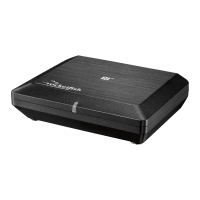
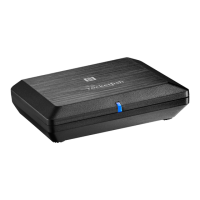
25RF-RBKIT
• The source A/B indicator lights go off on the sender.
• The source indicator attached to Input A/B also goes off on the
receiver.
Turning off the system
To turn off the system:
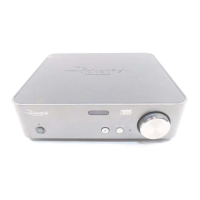
1 Press the button on the sender to enter standby mode. The power-on
indicator goes off and the standby indicator lights red. Remove the AC
adapter to power off the sender completely.
Note: If the device is configured as a hub, it must have power at all times for the
network to be operational. The unit can be either in Standby or fully powered, but it
must be connected to a power source. If you have no other Rocketboost nodes in your
system, then you can power down the hub fully.
2
Press the button on the receiver or remote control. The power-on
indicator goes off and the standby indicator lights red. Remove the AC
cable from the wall outlet to power off the receiver completely.
Note: It is acceptable to leave both units in standby mode when not in use.
Setting up your Rocketboost “station”
You can pre-configure multiple sources of audio, and each receiver or
wireless speaker can pick a separate audio source or station.
This is like setting up your own “radio stations¨ and separately tuning
into them from multiple receive-capable devices.
A station is a pair of audio signals that correspond to the content,
related to a source device's input audio streams. For example, a
sender has two stereo input sources, A and B, which map directly to
two separate wireless stations.
Adding a station
Beyond joining additional send-capable devices (not configured as
hubs), there is nothing you need to do to setup a station and make it
available to the network. This all happens automatically.
To join your devices (both senders and receivers):
1 On the hub unit, press and hold the power button for more than three
seconds. The power indicator begins to blink green.
RF-RBKIT_09-0473_MAN_ENG_V1.fm Page 25 Thursday, August 27, 2009 6:44 PM


 To Next Page