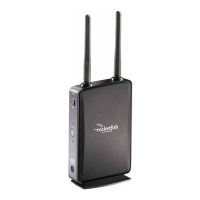
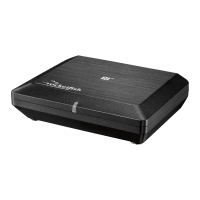
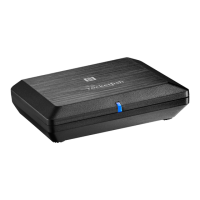
9RF-RBKIT
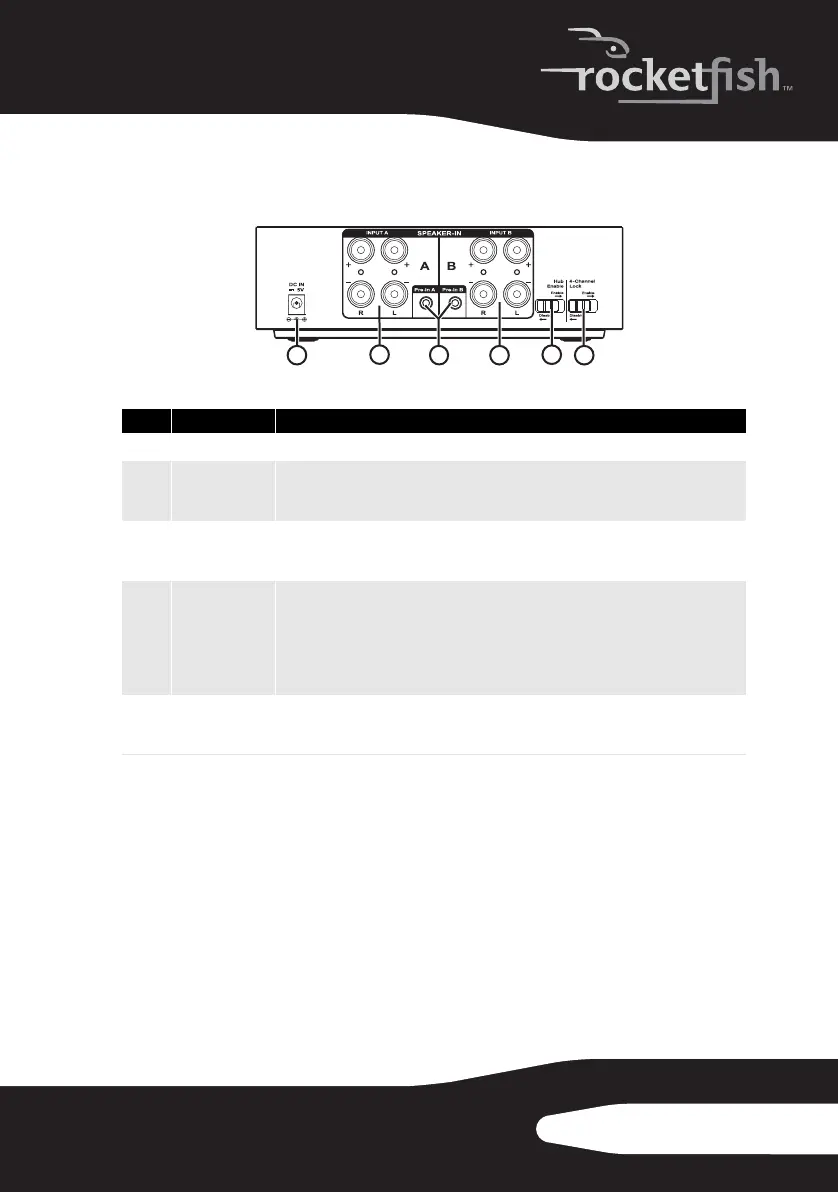
Sender back panel
Note: When four channel lock is enabled, other receivers will not be able to tune to
the sources on the 4 channels. This is by design as most people would not want to
listen to surrounds or rears only. If you wish to be able to tune to these sources
remove the 4-channel lock.
# Feature
1
DC IN jack Plug the DC adapter into this jack.
2 & 4
SPEAKER IN A/B These inputs are used for an amplified output such as that from a receiver or HTIB.
Connect these inputs to your speaker out from your device just like you would
connect passive speakers.
3
Pre-in A/B jack These inputs are used for line level audio applications such as Music output from an
MP3 player or DVD player. These devices will typically have either a 3.5mm connector
or RCA jacks. Adaptors for both are included in the kit.
5
Hub Enable
switch
Set switch to Enabled for hub operation. Set switch to Disable to disable hub
operation.
Note: There should only be one hub in a network, please read “Establishing
communication” on page 22 for more information.
Switch to Disable if you already own a Rocketboost product, in which case you will
already have a hub unit.
6
4-channel lock
switch
Switch to ENABLE to synchronize the volume levels of inputs A and B, allowing 7.1
systems to optimize speaker volume levels.
Switch to DISABLE to allow separate control of the volume levels for Inputs A and B.
1
5
4
2
3
6
RF-RBKIT_09-0473_MAN_ENG_V1.fm Page 9 Thursday, August 27, 2009 6:44 PM


 To Next Page