12
Need help? Call 800-620-2790
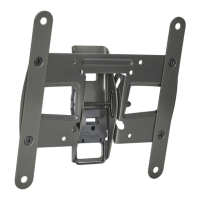
RF-TVMLPT02V2 TV Wall Mount
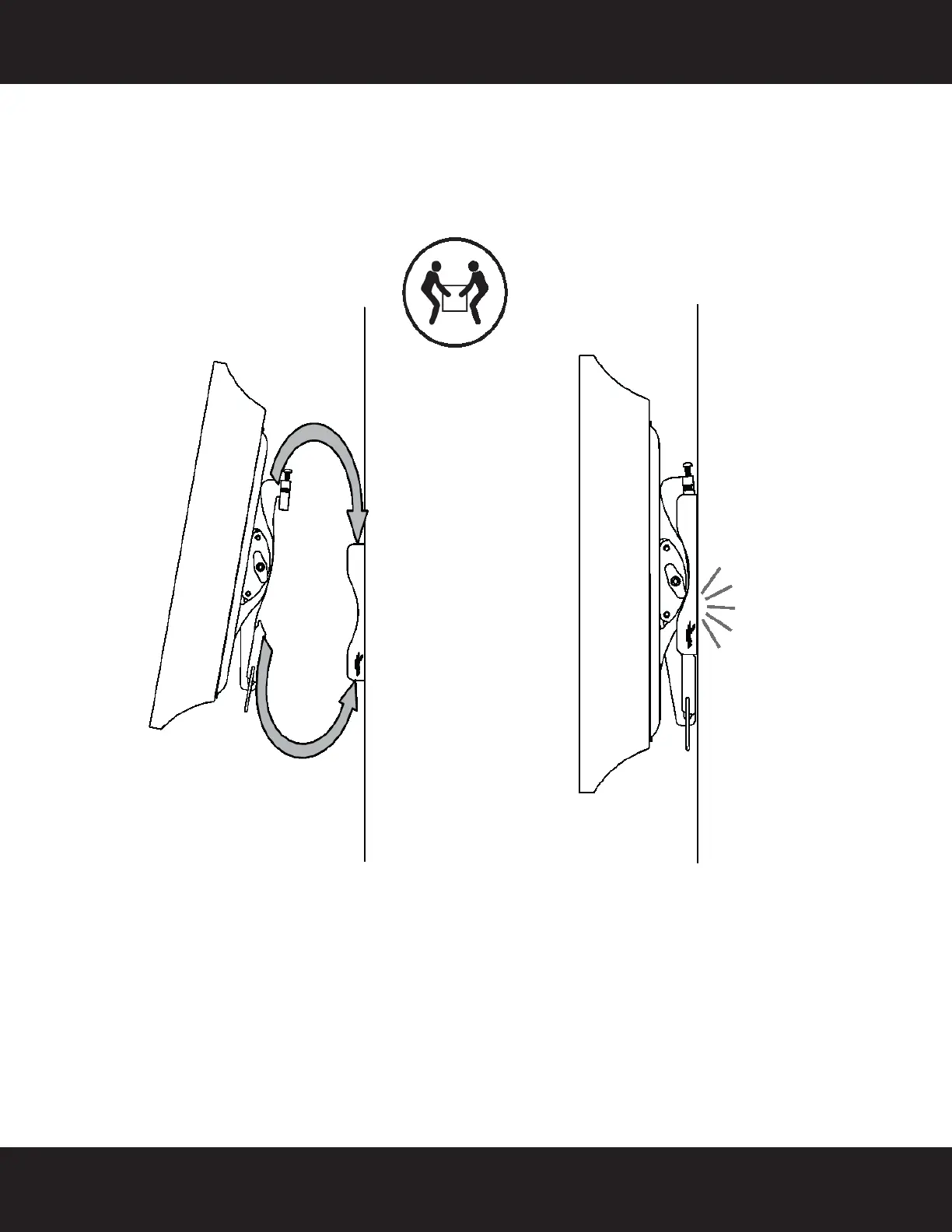
STEP 6 - Attach your TV to the wall mount
• Holding the TV with the top of the screen tilted toward the wall, slide the upper notches of the right
and left TV brackets (B and C) over the upper lip of the wall plate (A). Then, gently lower the TV until
the lock engages the lower lip of the wall plate (A). You will hear a click when the TV locks into place.
HEAVY! You will need
assistance with this step.
RF-TVMLPT02V2_13-0194_MAN_V2_EN - GIFs.fm Page 12 Thursday, March 14, 2013 12:01 PM


 To Next Page